Customer & Vendor Accounts and Ledger Movements
BiadaGO: Customer & Vendor Accounts and Ledger Movements
This guide will walk you through the steps to manage Customer & Vendor Accounts and Ledger Movements in BiadaGO
Go to cloud.biadago.com
1. Introduction
By following these instructions, you will effectively navigate through the application’s features, enhancing your understanding and proficiency.
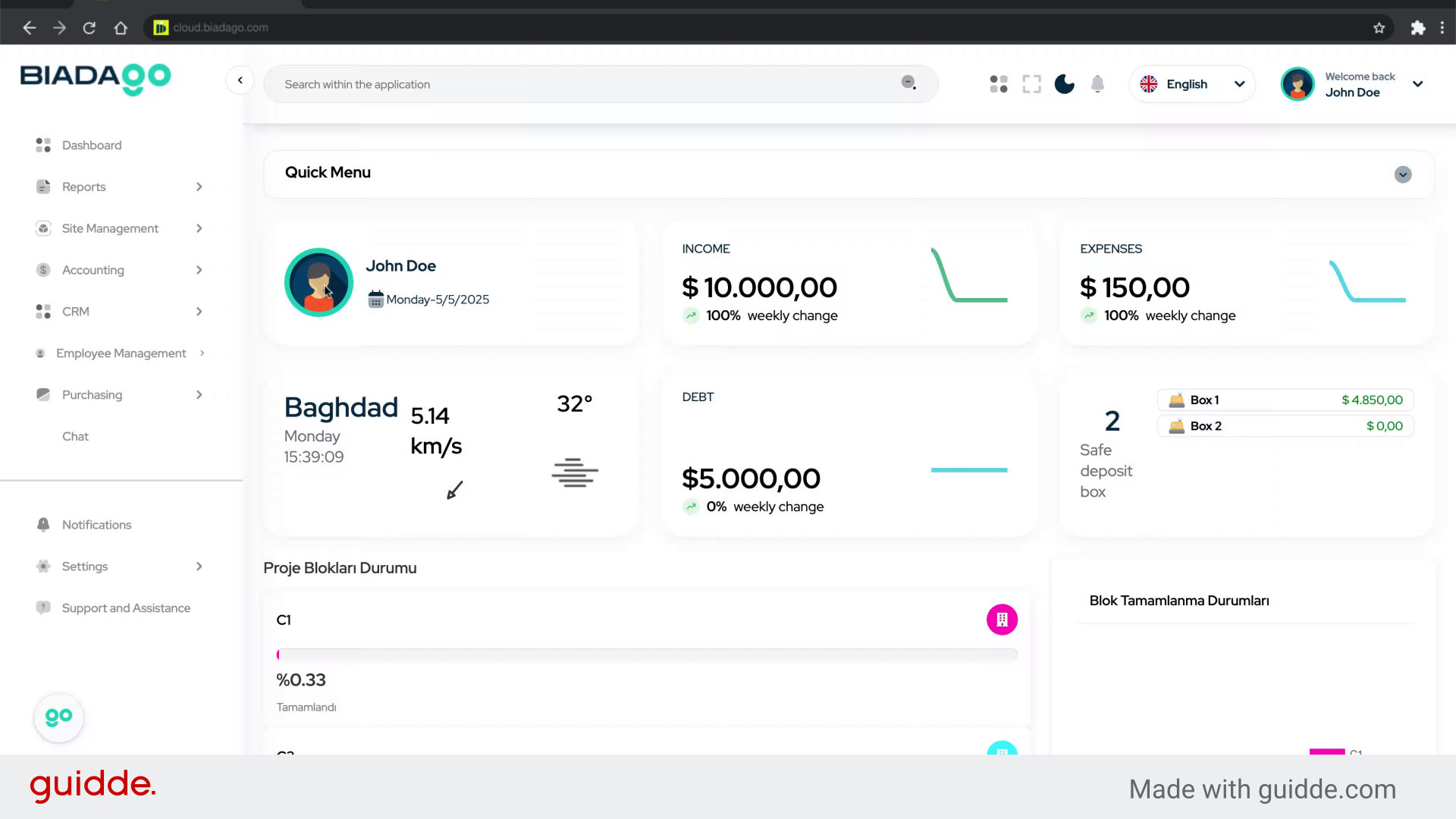
2. Click “Accounting”
Navigate to the Accounting section.
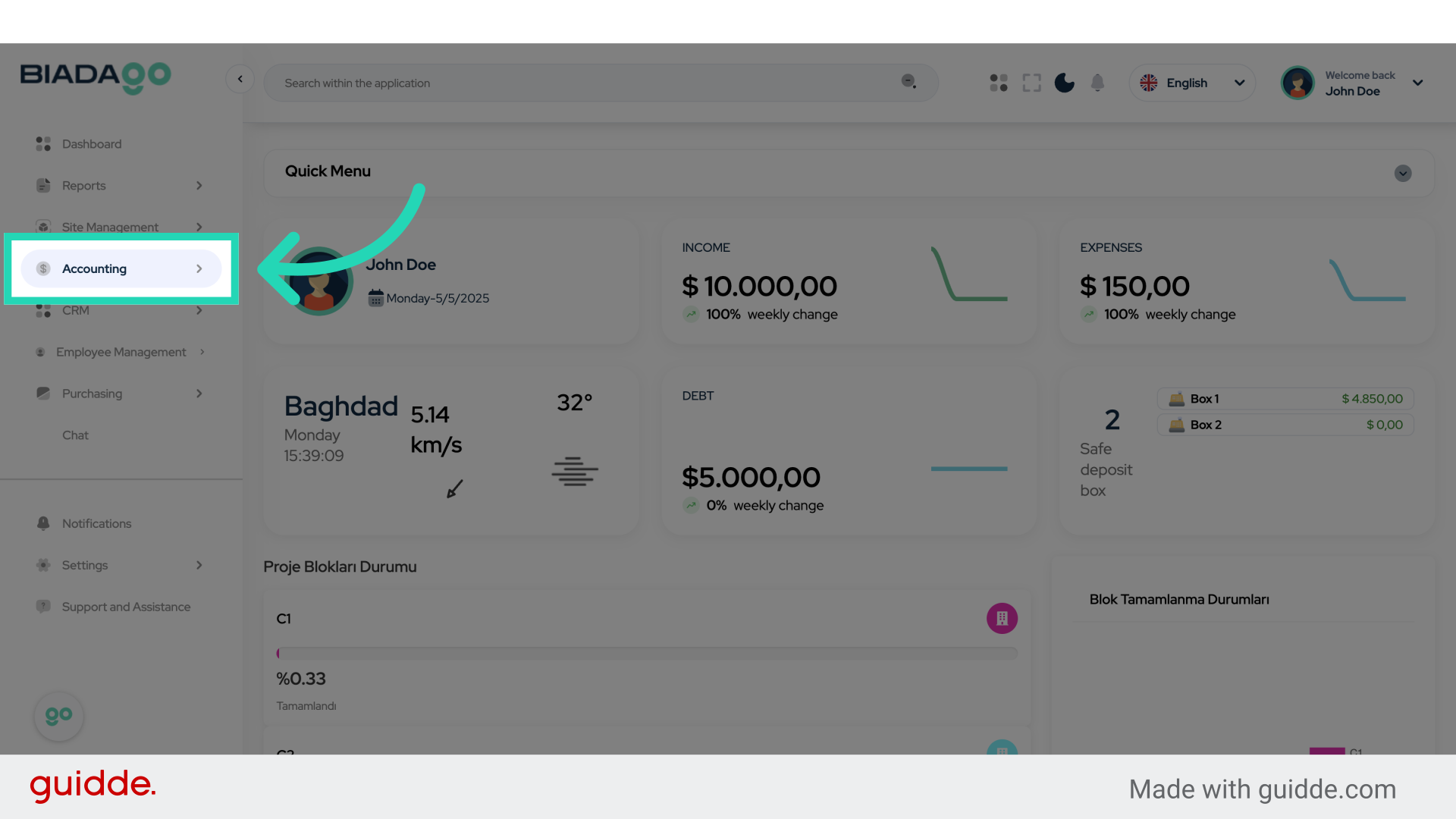
3. Click “Current Accounts”
Access the Current Accounts tab.
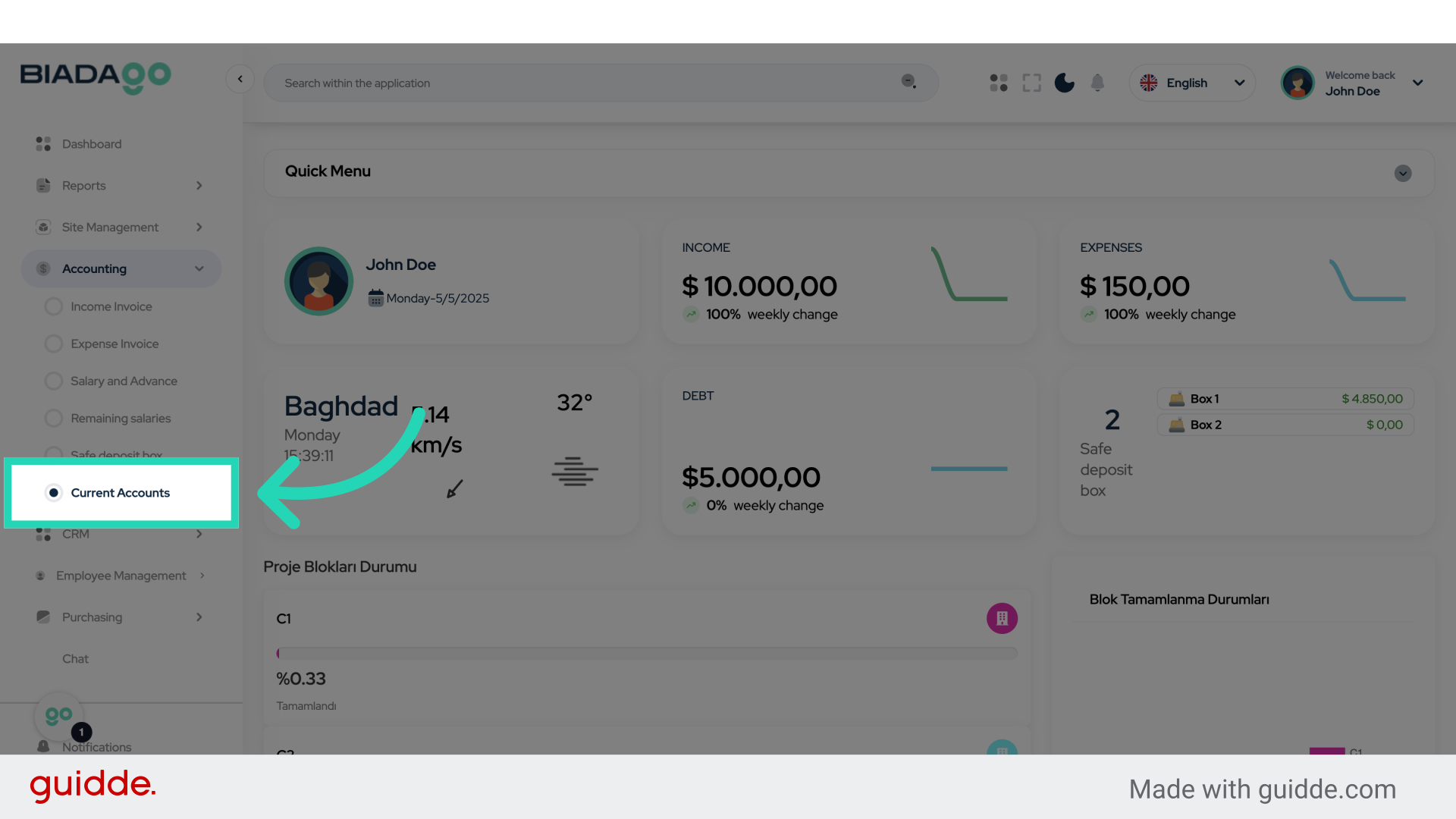
4. Click “Detail”
Select the Detail option.
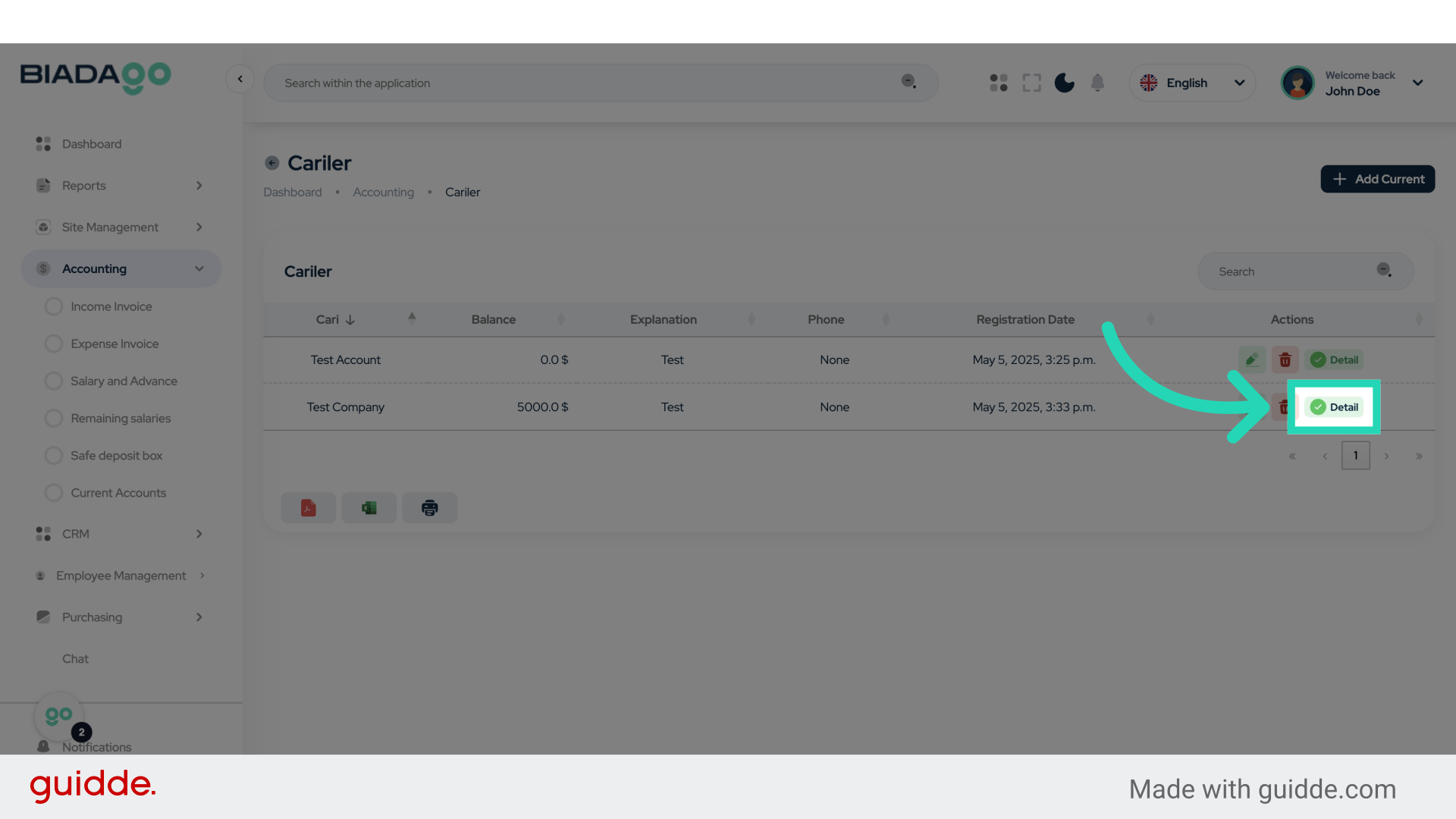
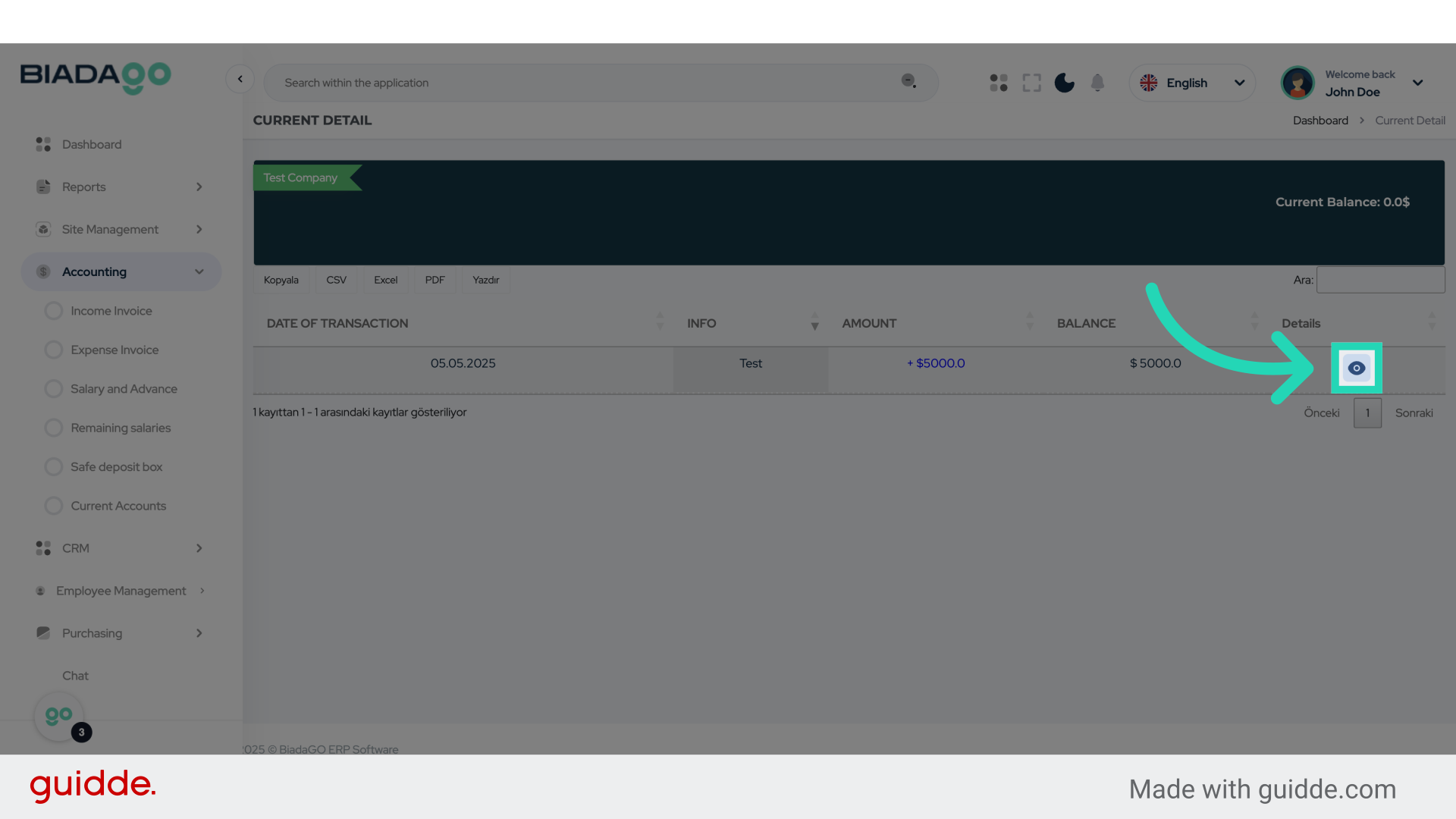
5. Click here
Click on the specified location.
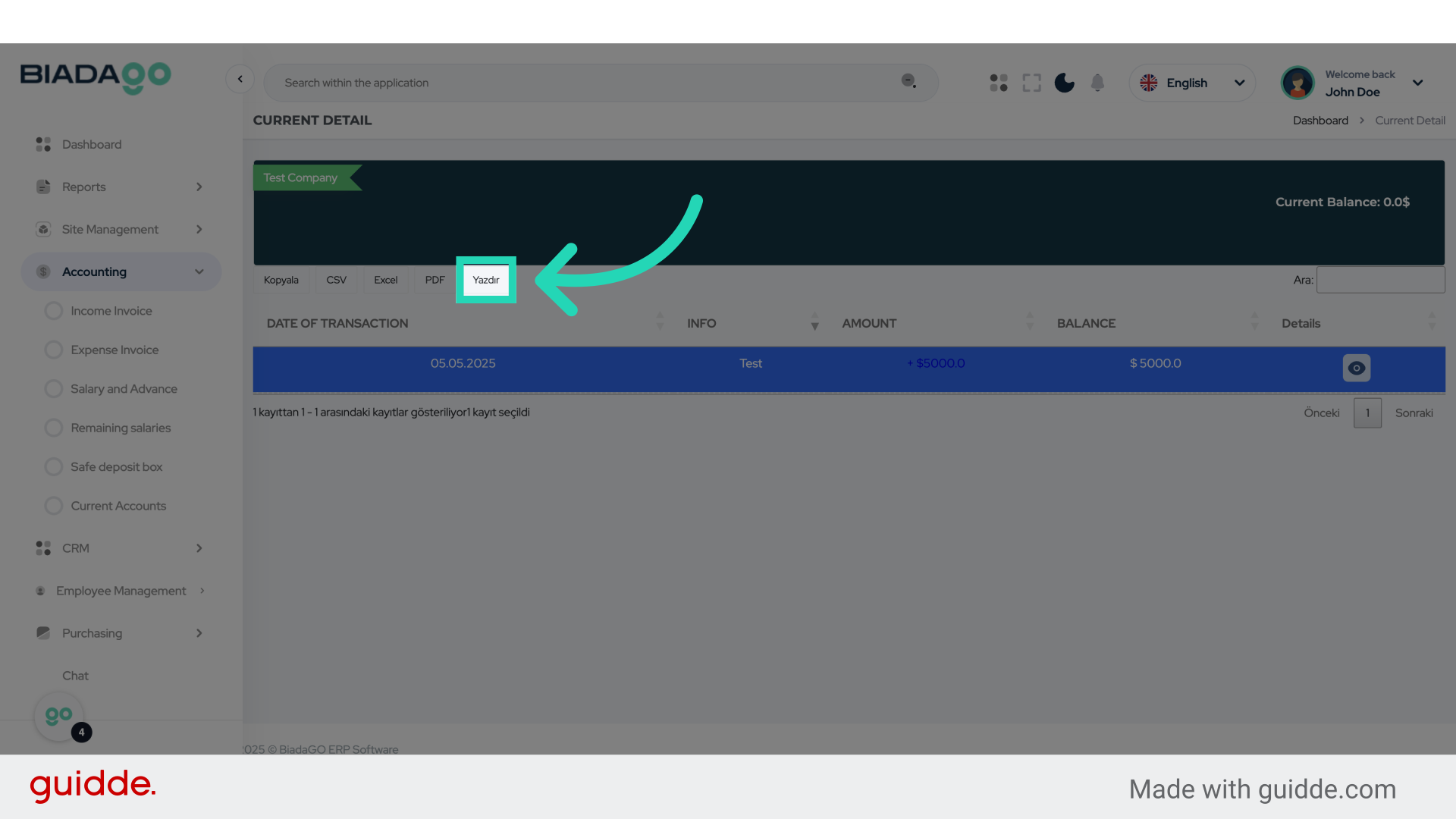
6. Click “Yazdır”
Choose the “Yazdır” option.
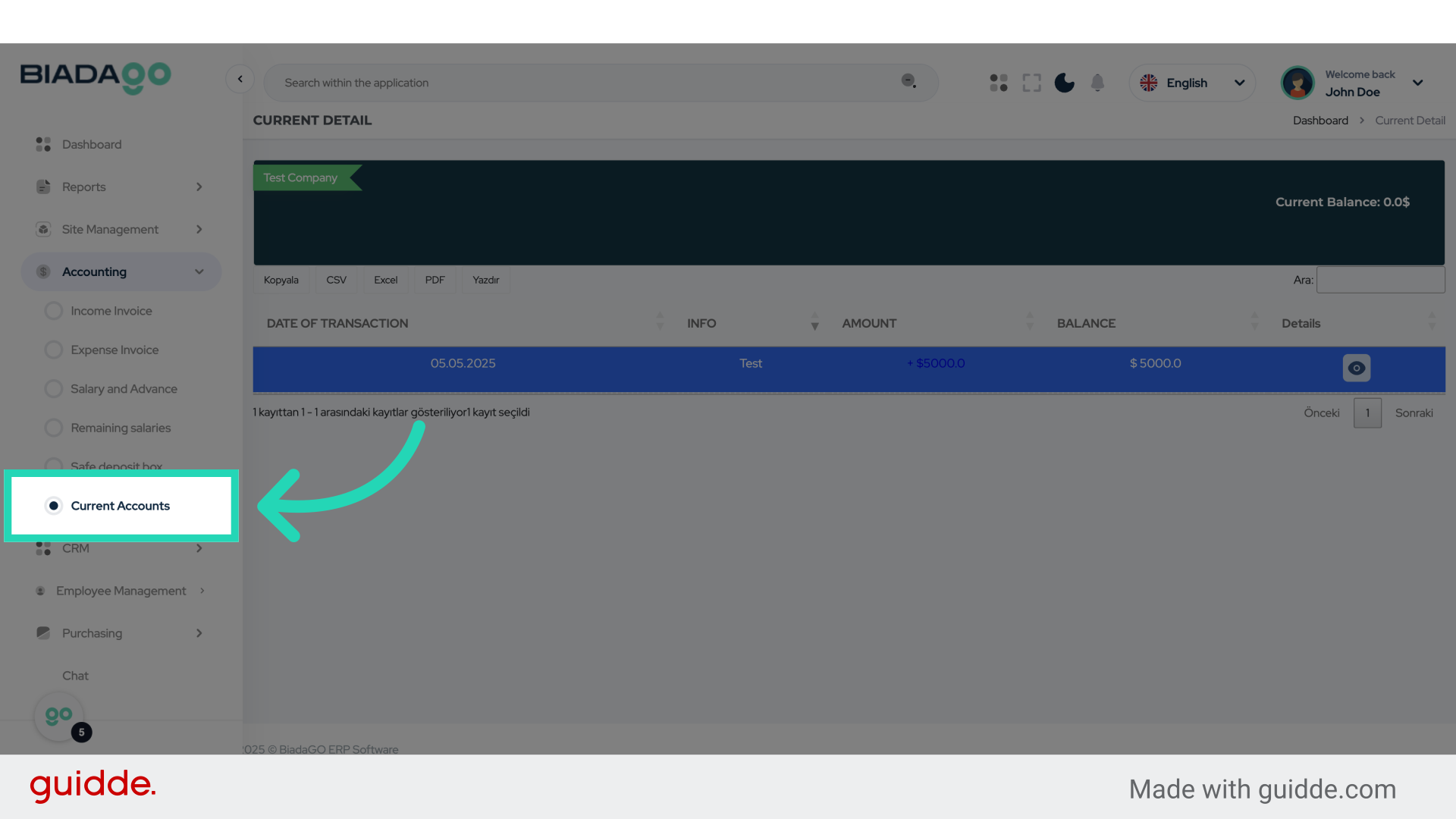
7. Click “Current Accounts”
Navigate to the Current Accounts section.
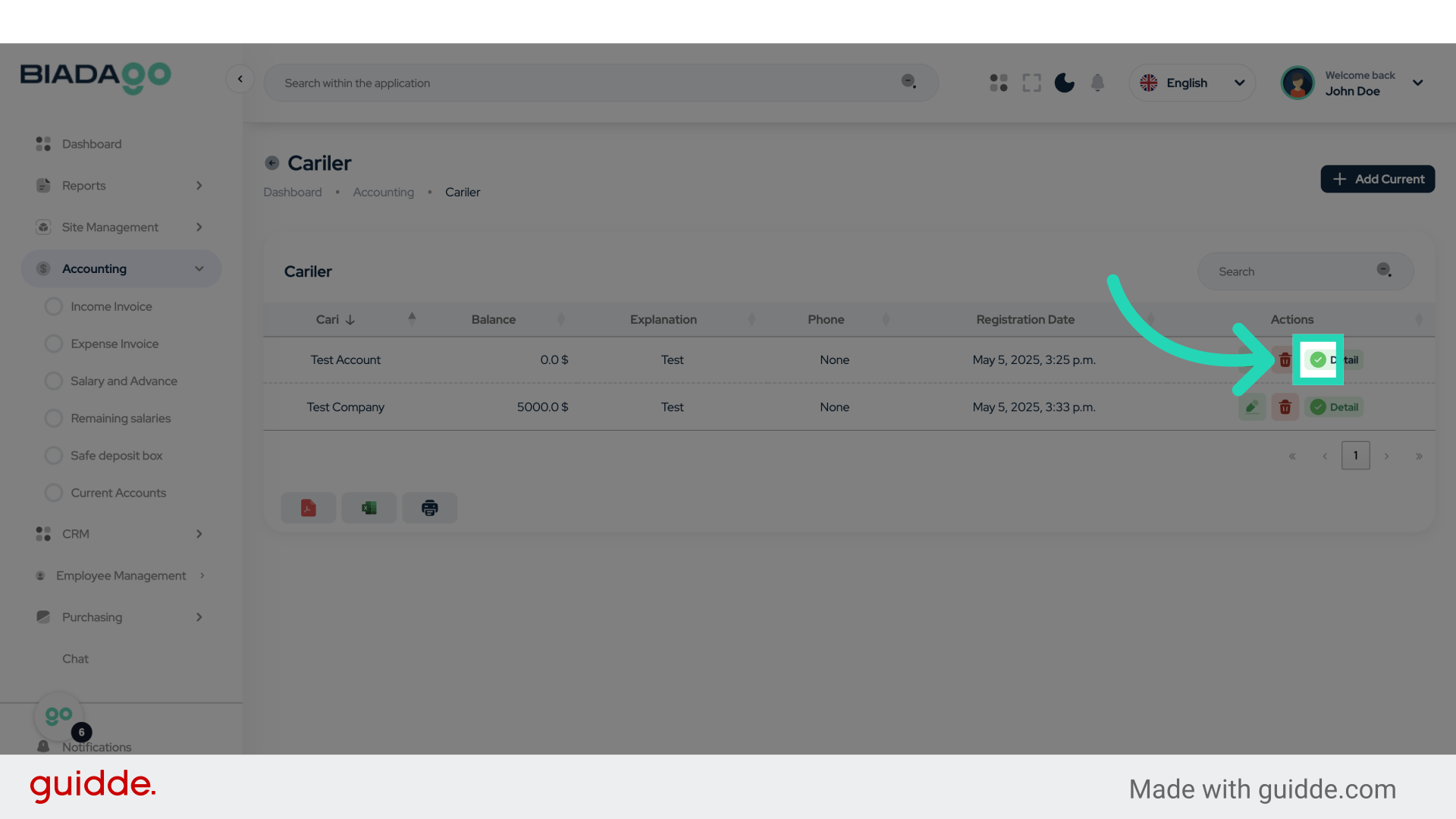
8. Click here
Click on the specified location.
9. Click “Yazdır”
Choose the “Yazdır” option.
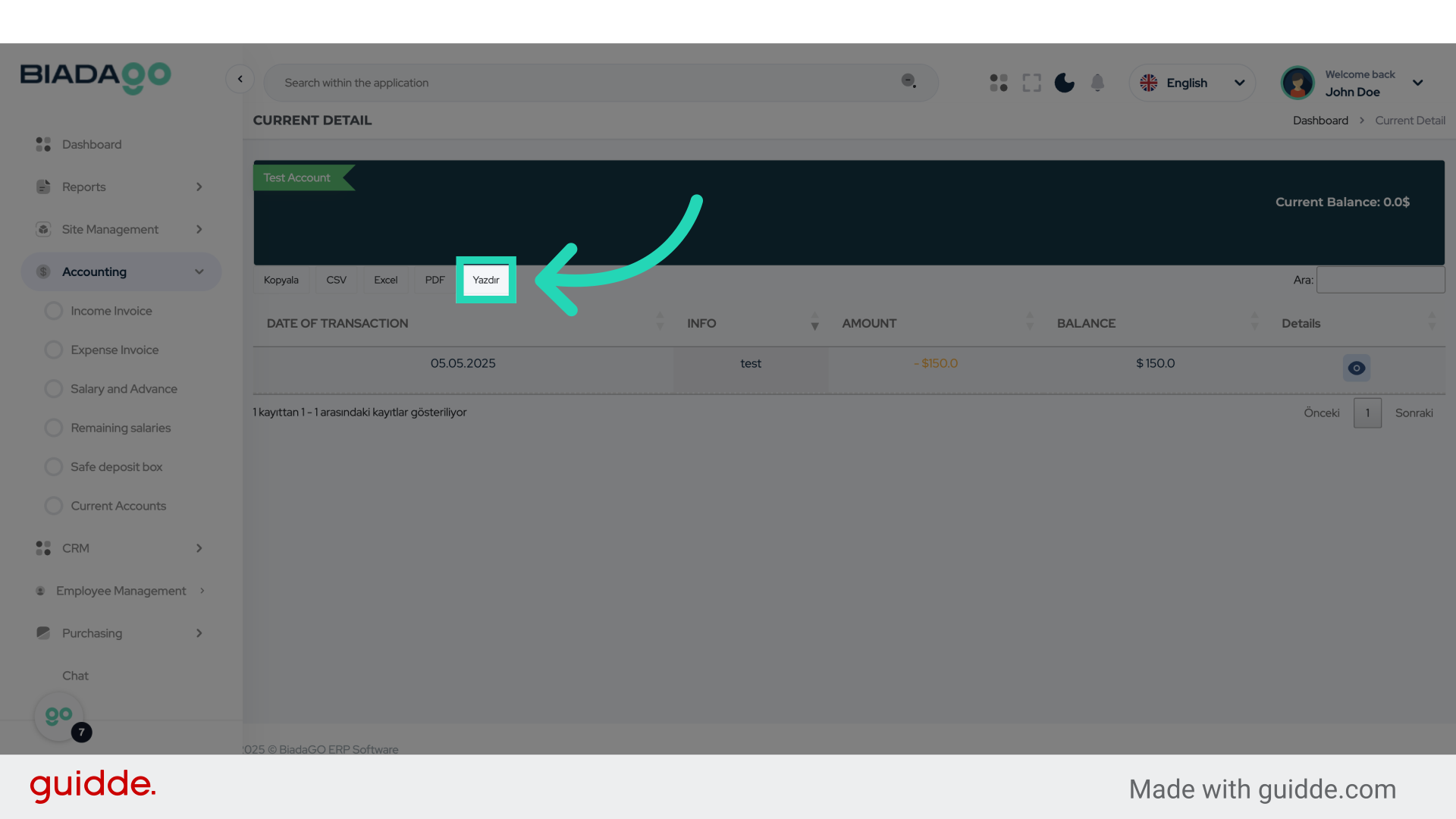
10. Click here
Click on the specified location.
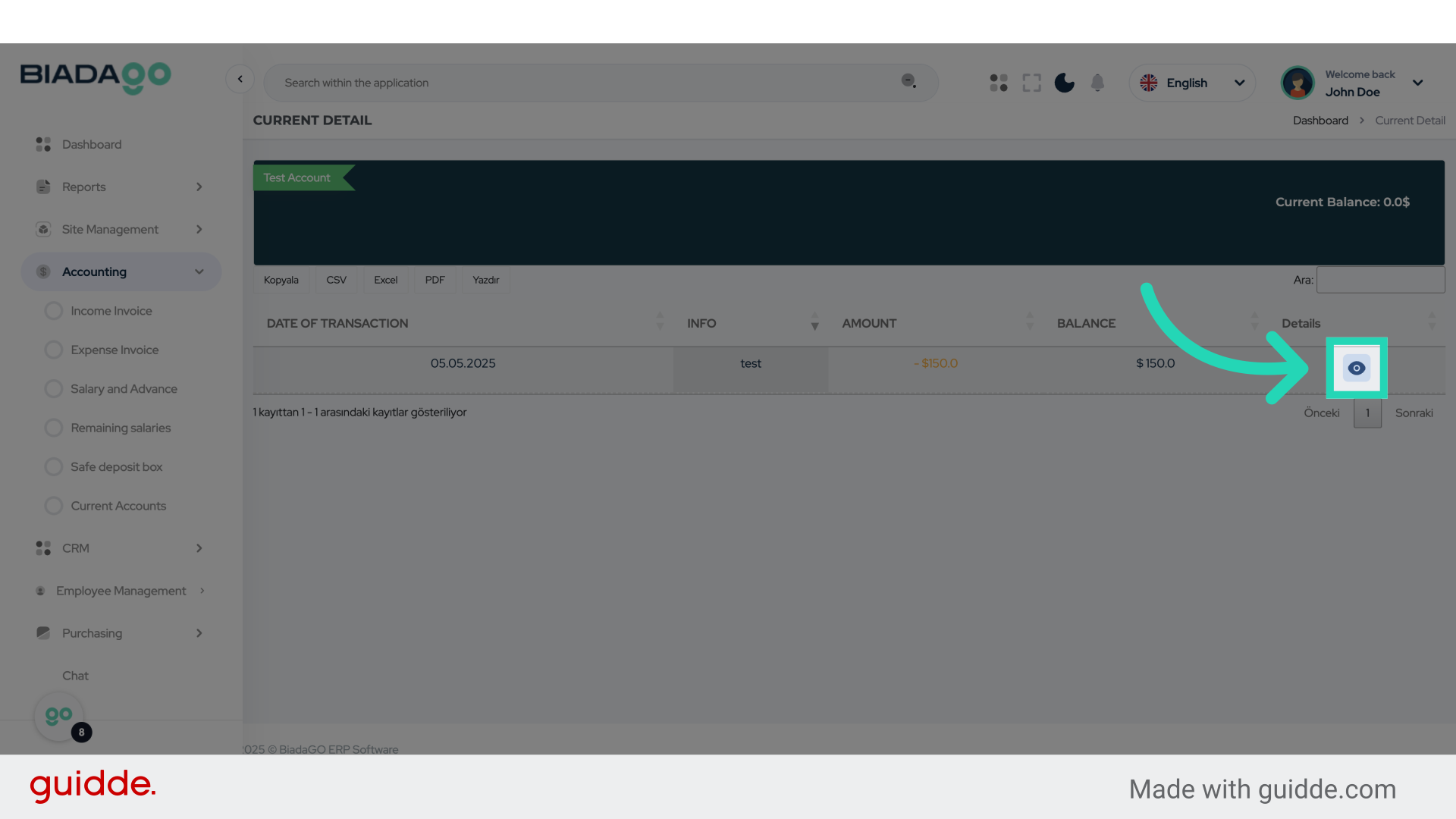
The guide covered navigating through BiadaGO to access the Accounting section, Current Accounts tab, Detail option, and “Yazdır” feature for effective management of Customer & Vendor Accounts and Ledger Movements. These steps are essential for employee training on the application’s functionalities.