Strategic Business Planning with GANTT Charts
Strategic Business Planning with GANTT Charts | BiadaGO Project Module
Explore BiadaGO’s Strategic Business Planning module effortlessly with these clear instructions
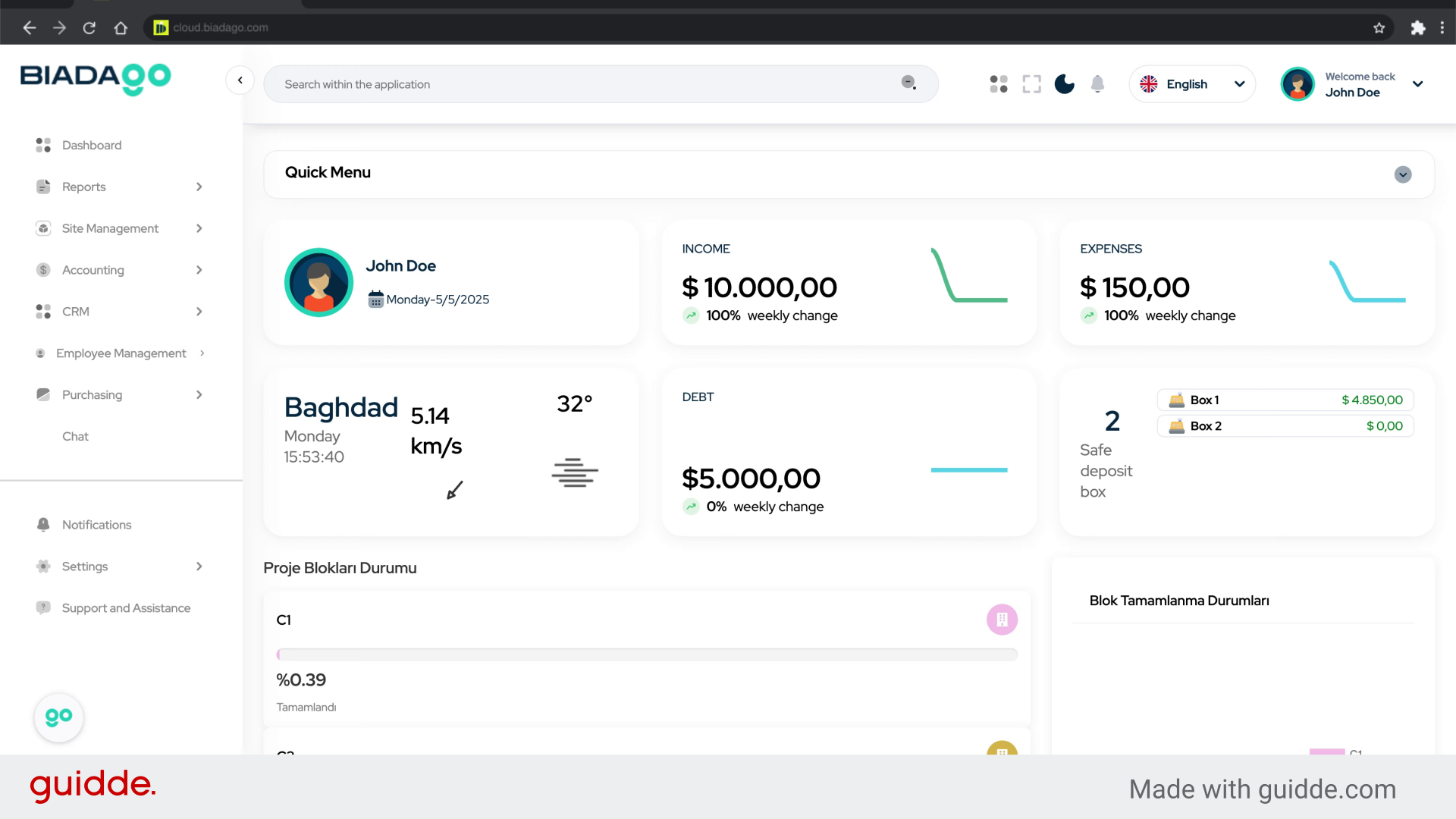
Go to cloud.biadago.com
1. Introduction
From accessing site management to utilizing the Gantt editor, this guide will help you navigate and input project details efficiently.
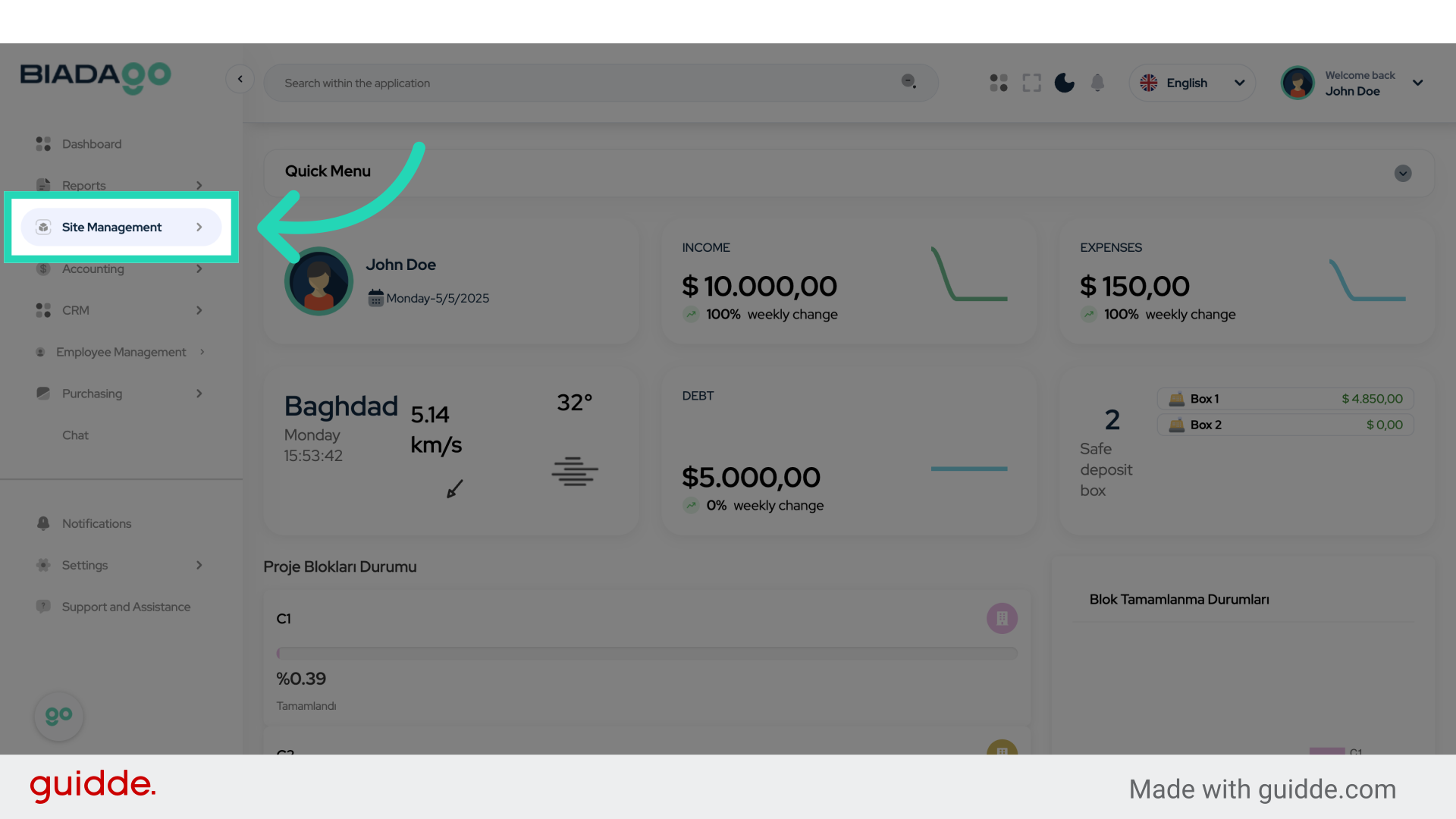
2. Click “Site Management”
Access the project’s site management section.
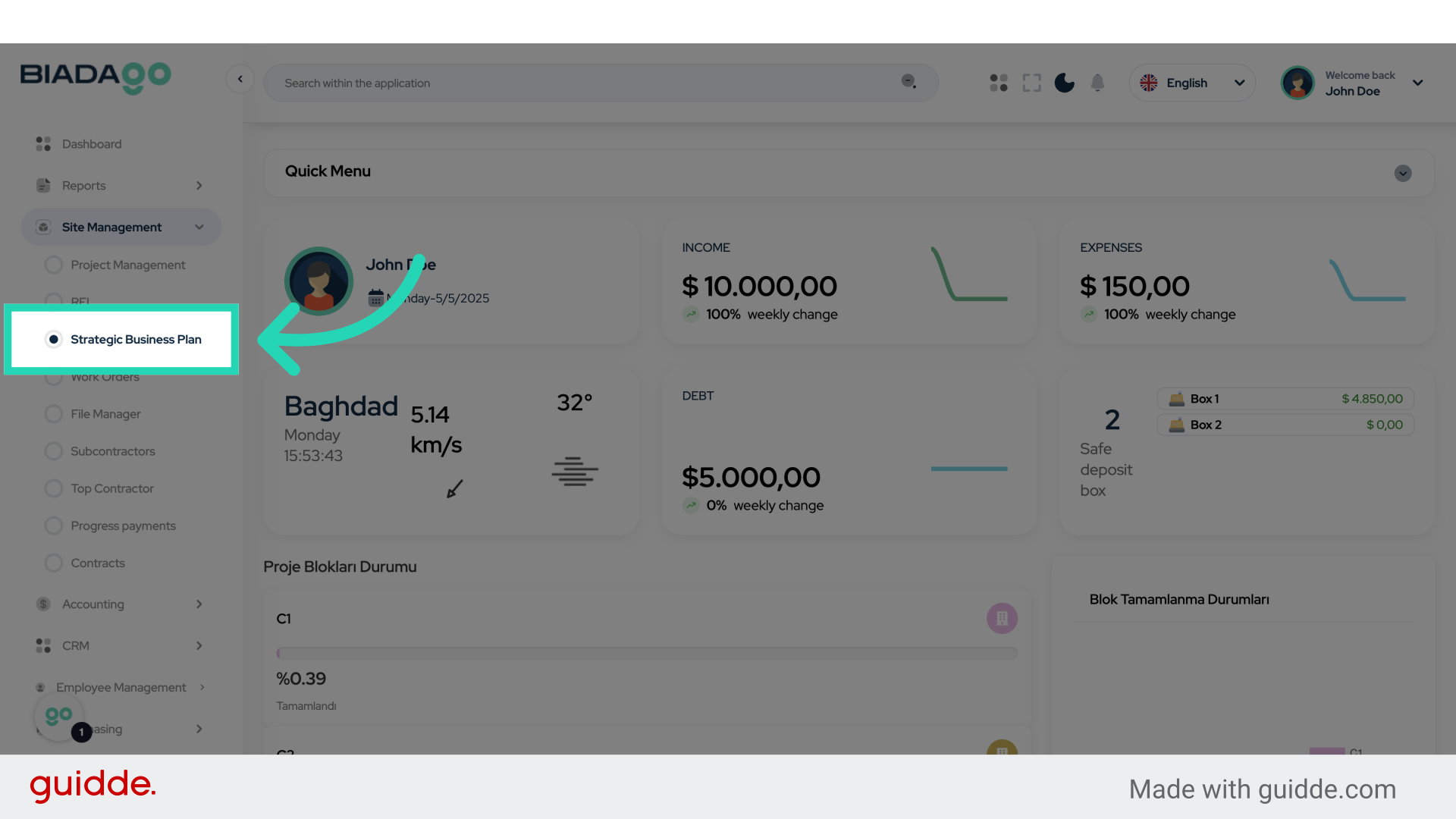
3. Click “Strategic Business Plan”
Navigate to the strategic business planning area.
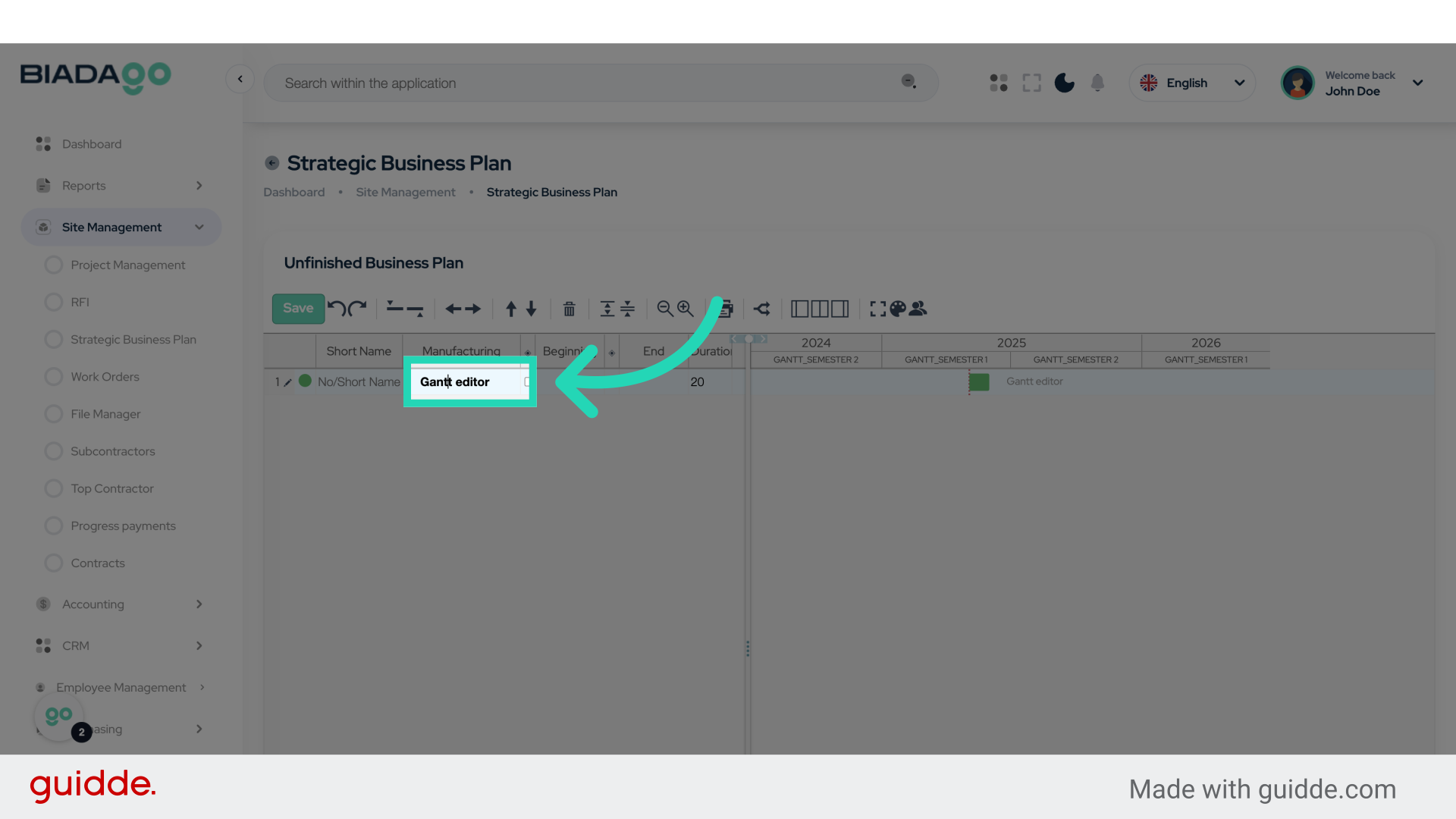
4. Click “Gantt editor”
Access the Gantt editor tool for project planning.
5. Click “Gantt editor”
Open the Gantt editor tool again.
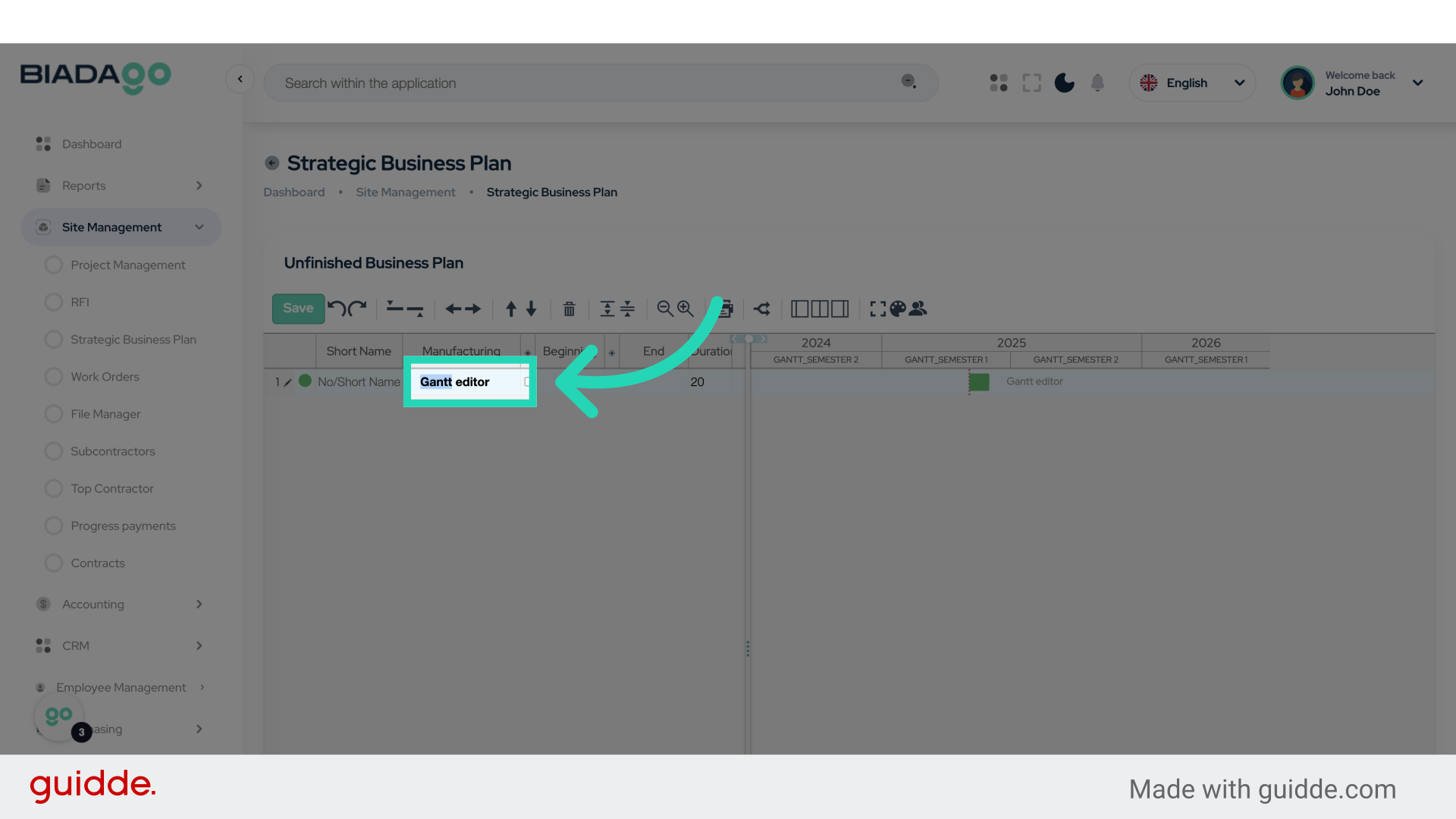
6. Fill “Test B”
Fill in “Test B”
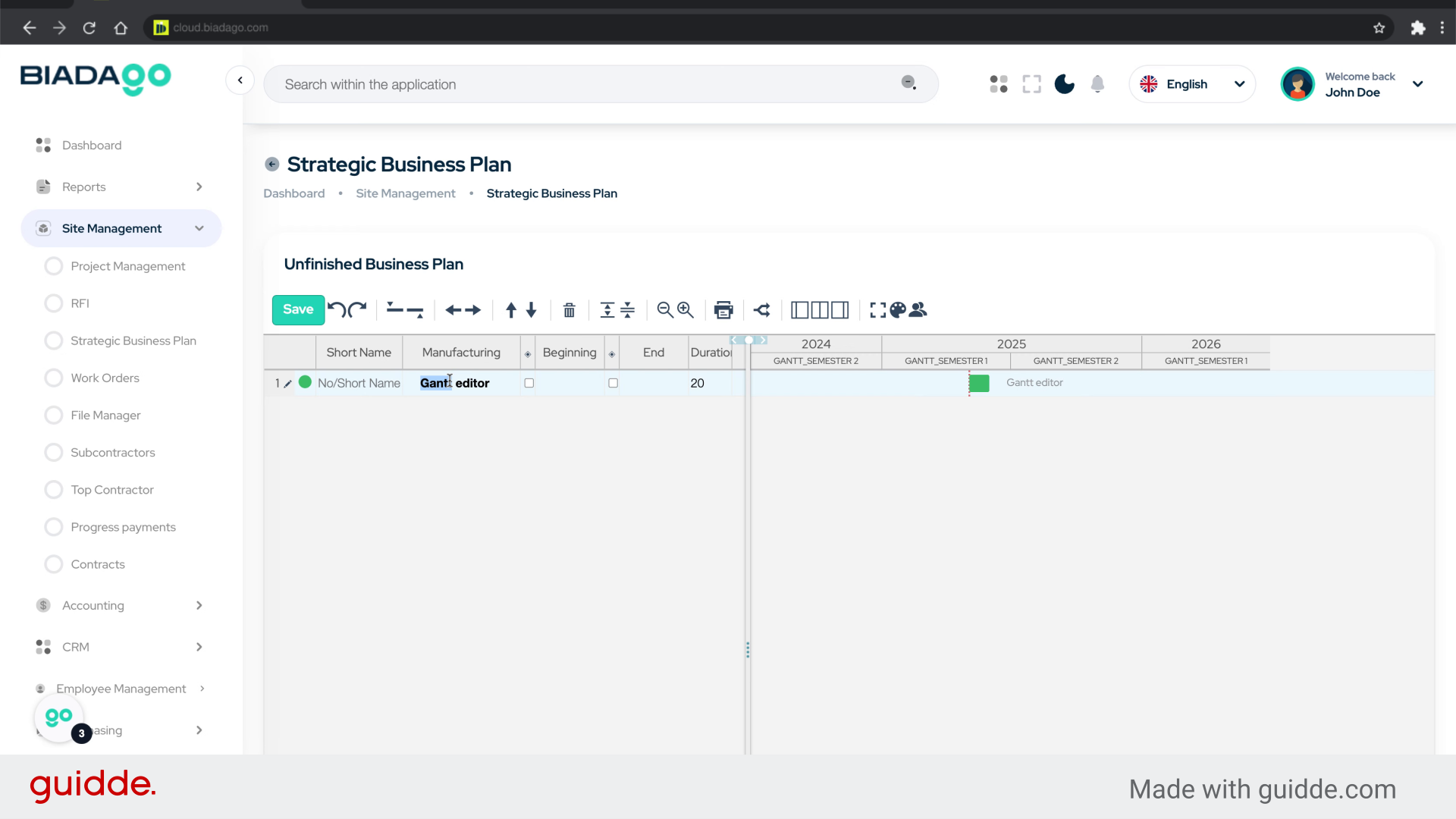
7. Fill “Test Building”
Enter the project details for “Test Building”.
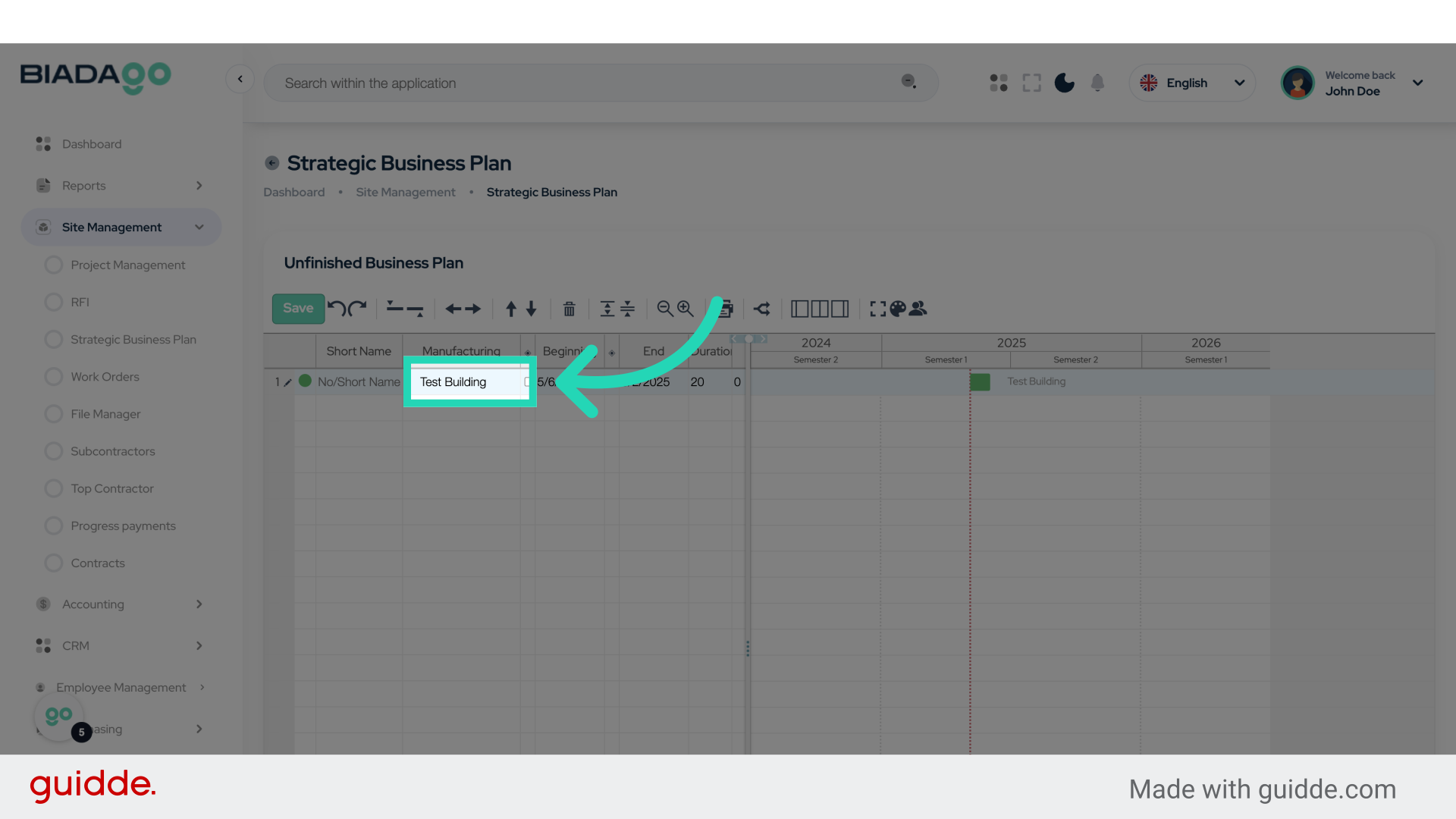
8. Go here
Navigate to the specified location.
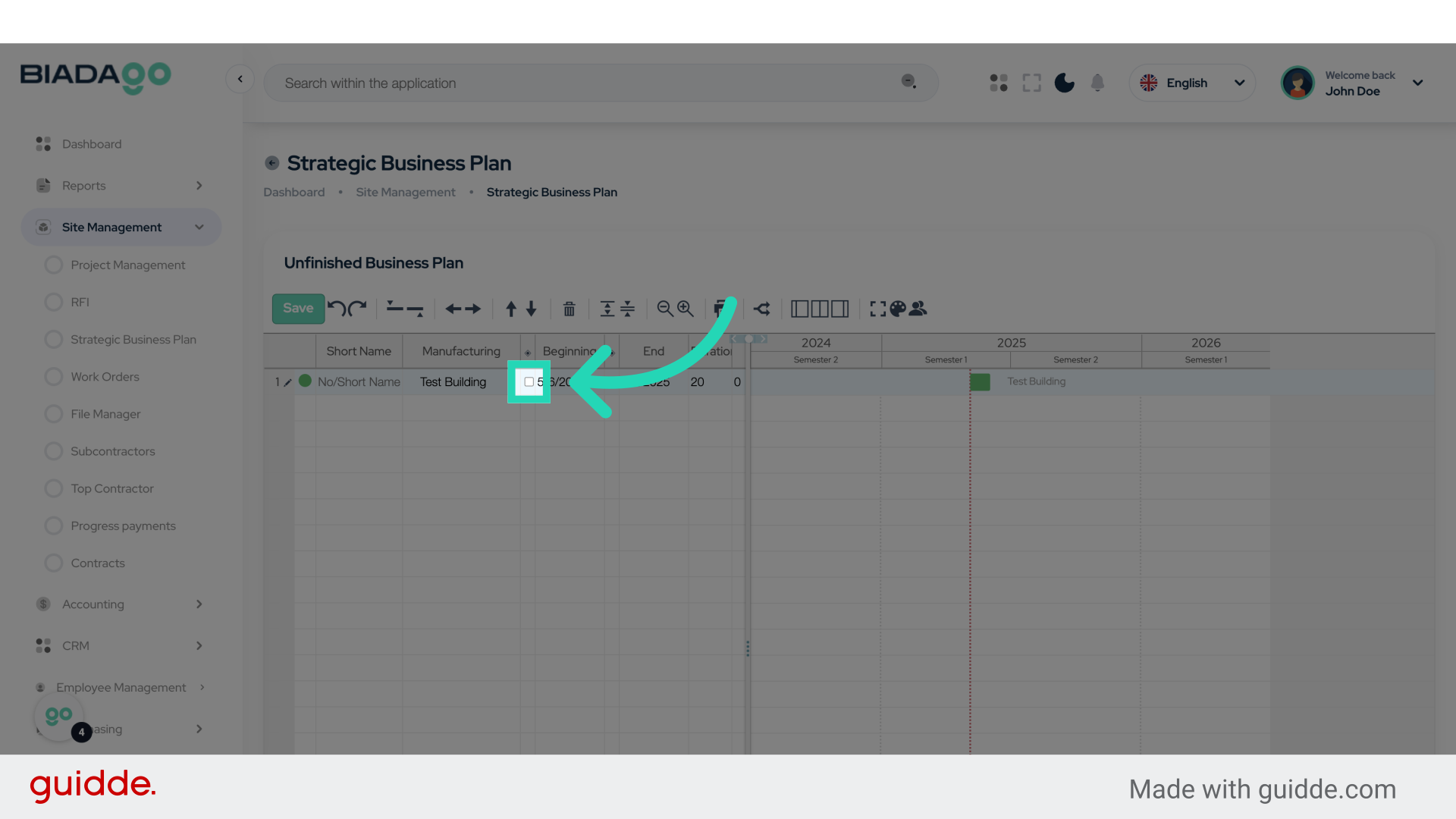
9. Fill “Test Item 1”
Fill in the text box with “Test Item 1”
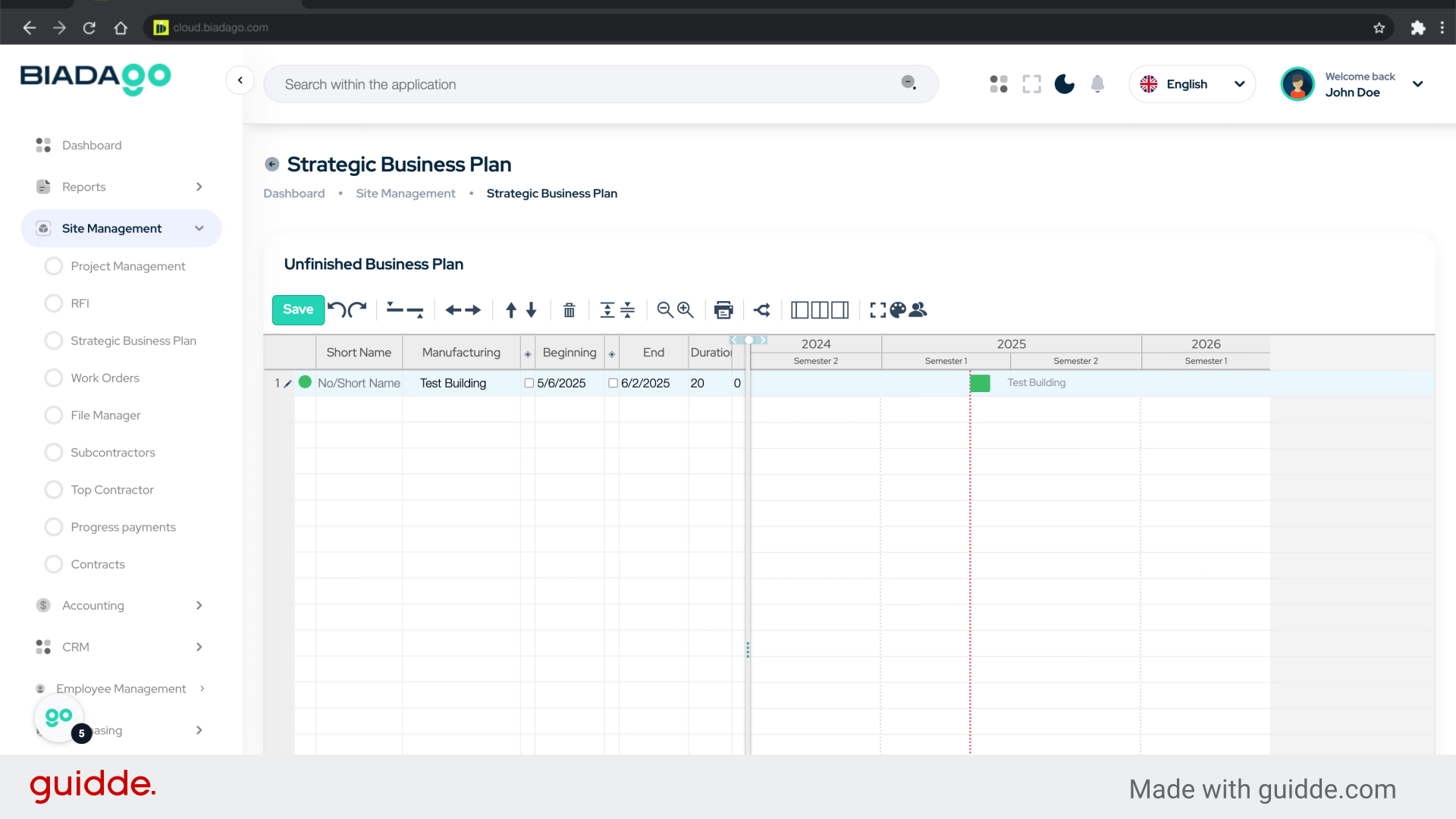
10. Click here
Click on the designated option.
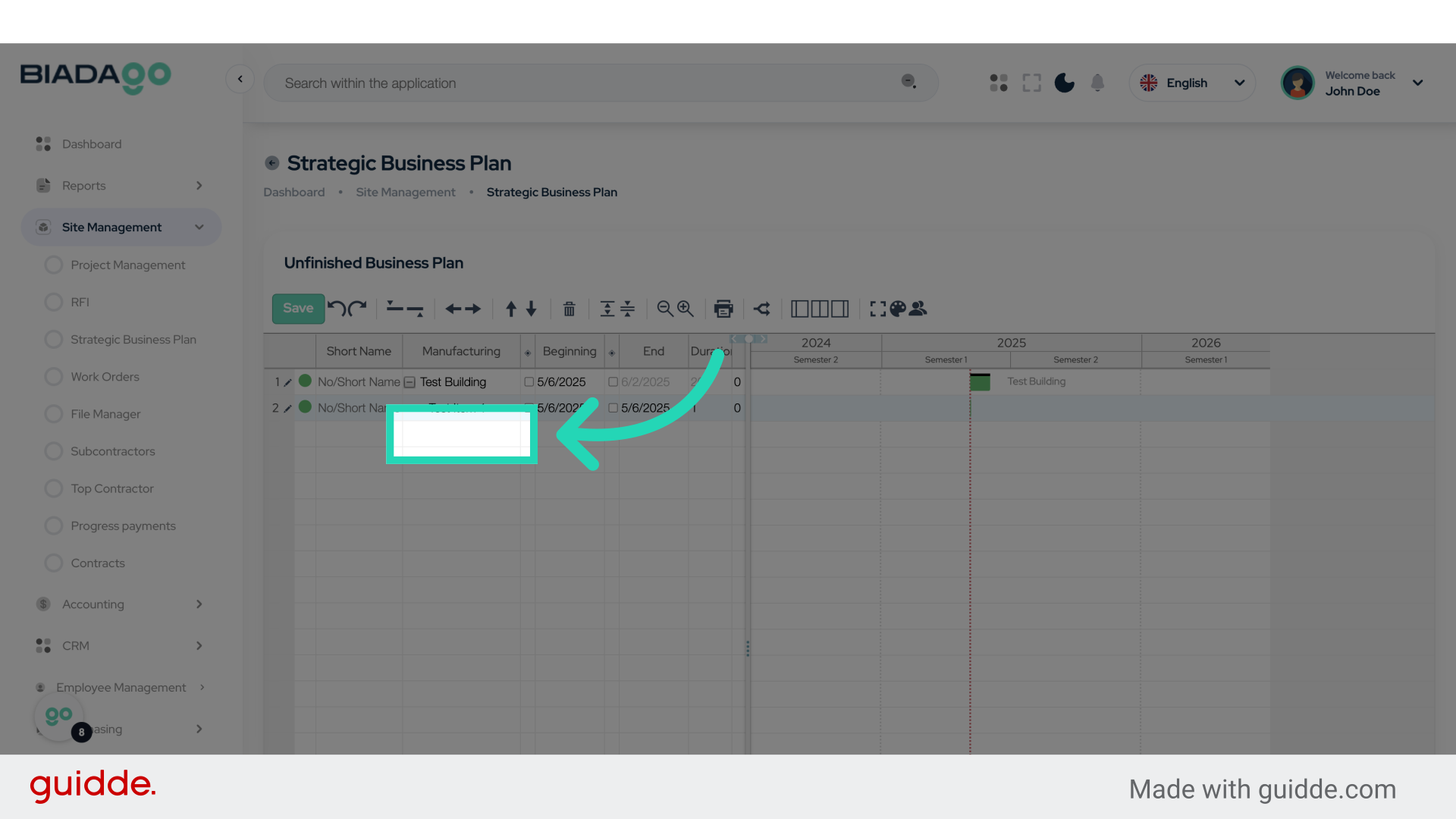
11. Fill “Item 2”
Enter the desired text.
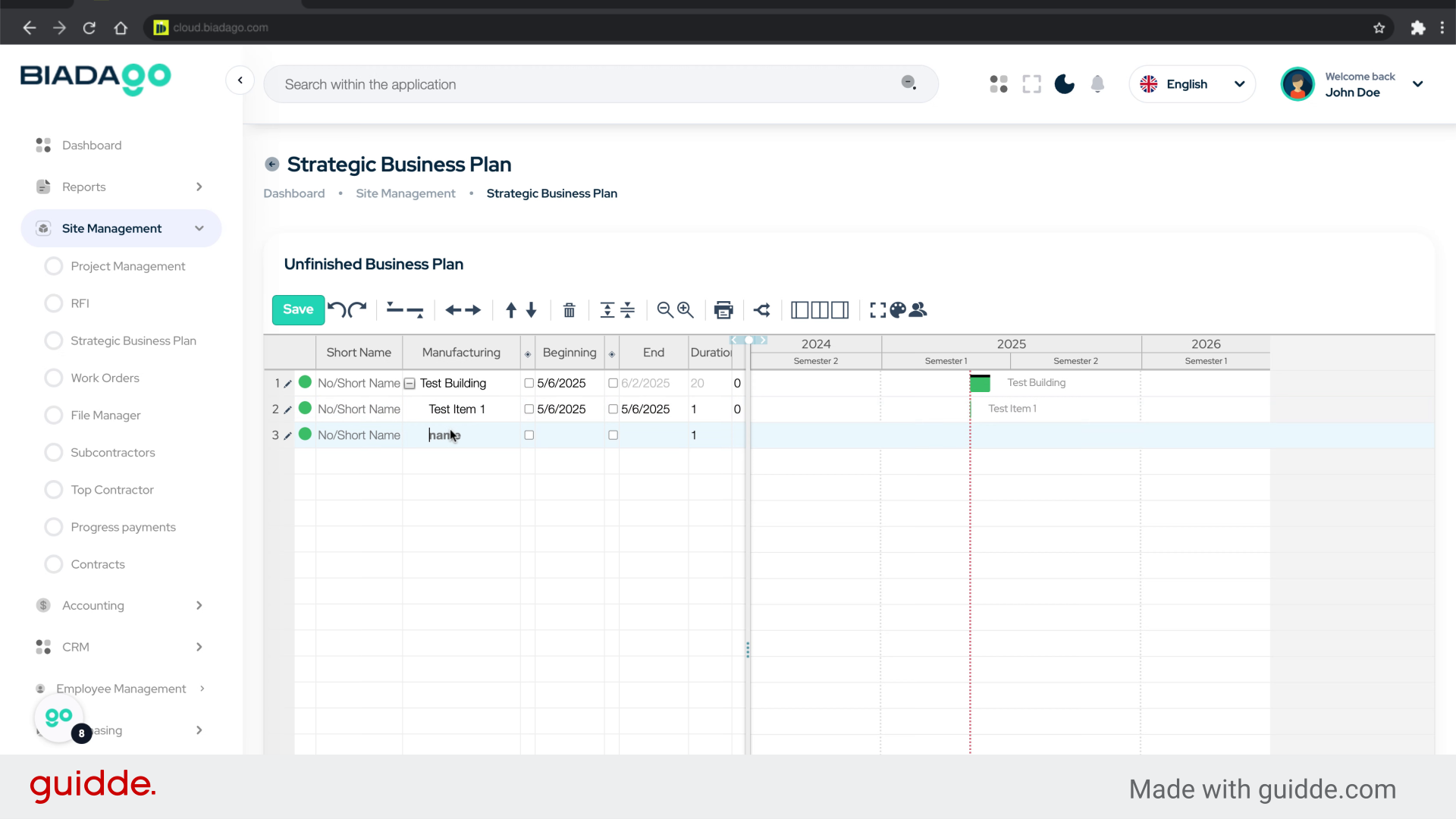
12. Click here
Select the indicated option.
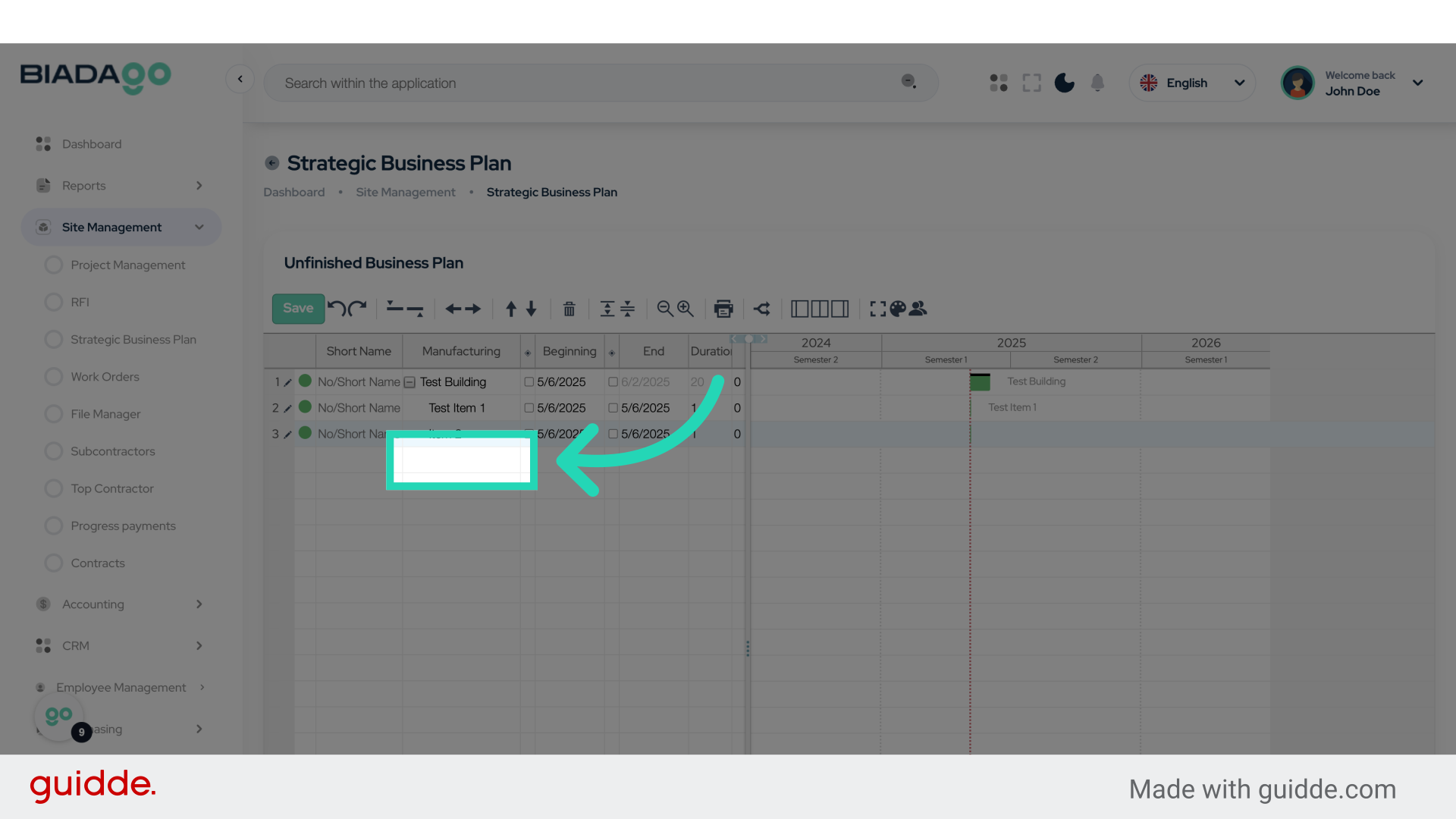
13. Fill “Item 3”
Type “Item 3” in the given field
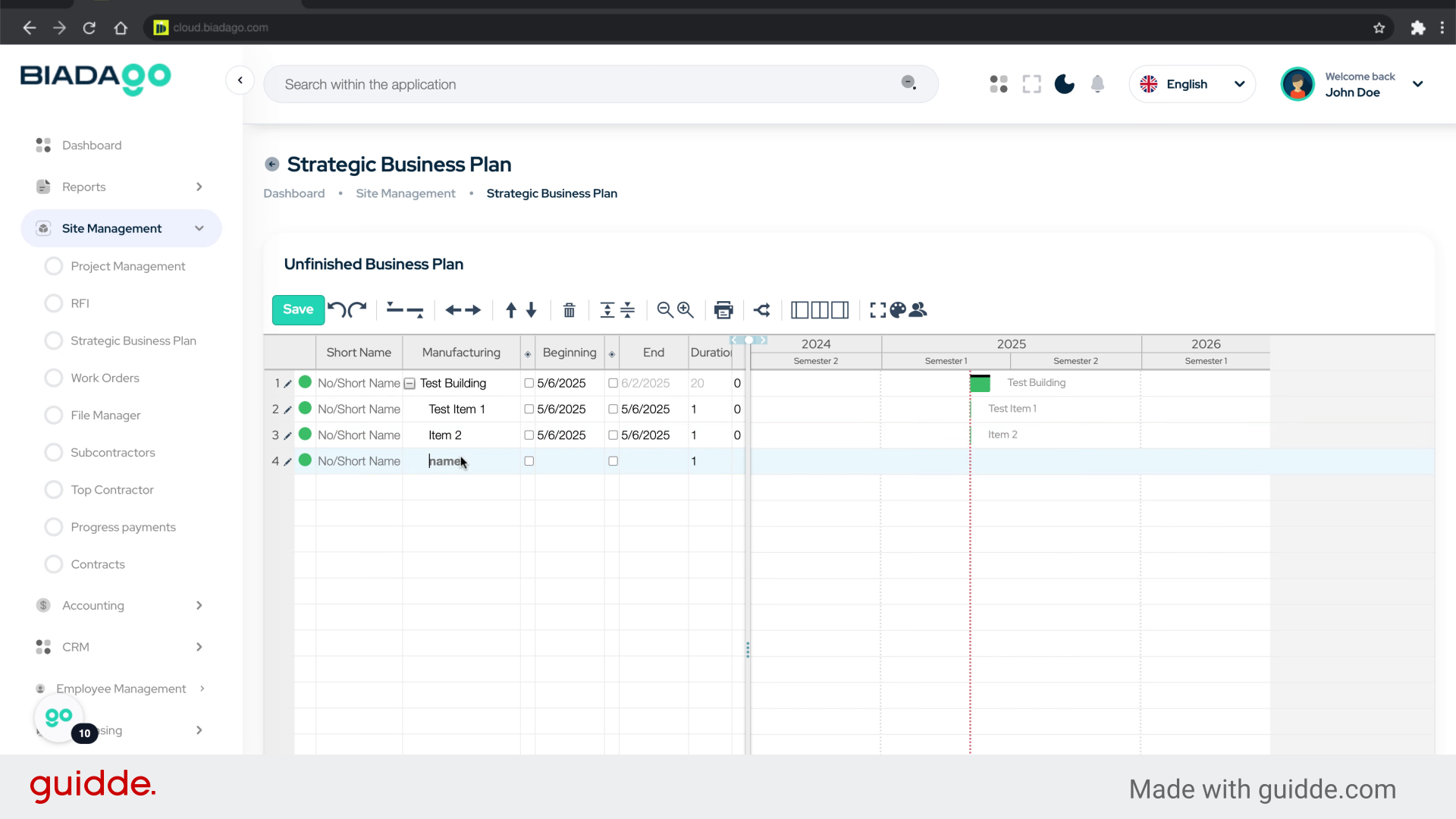
14. Click “5/6/2025”
Choose the date “5/6/2025”.
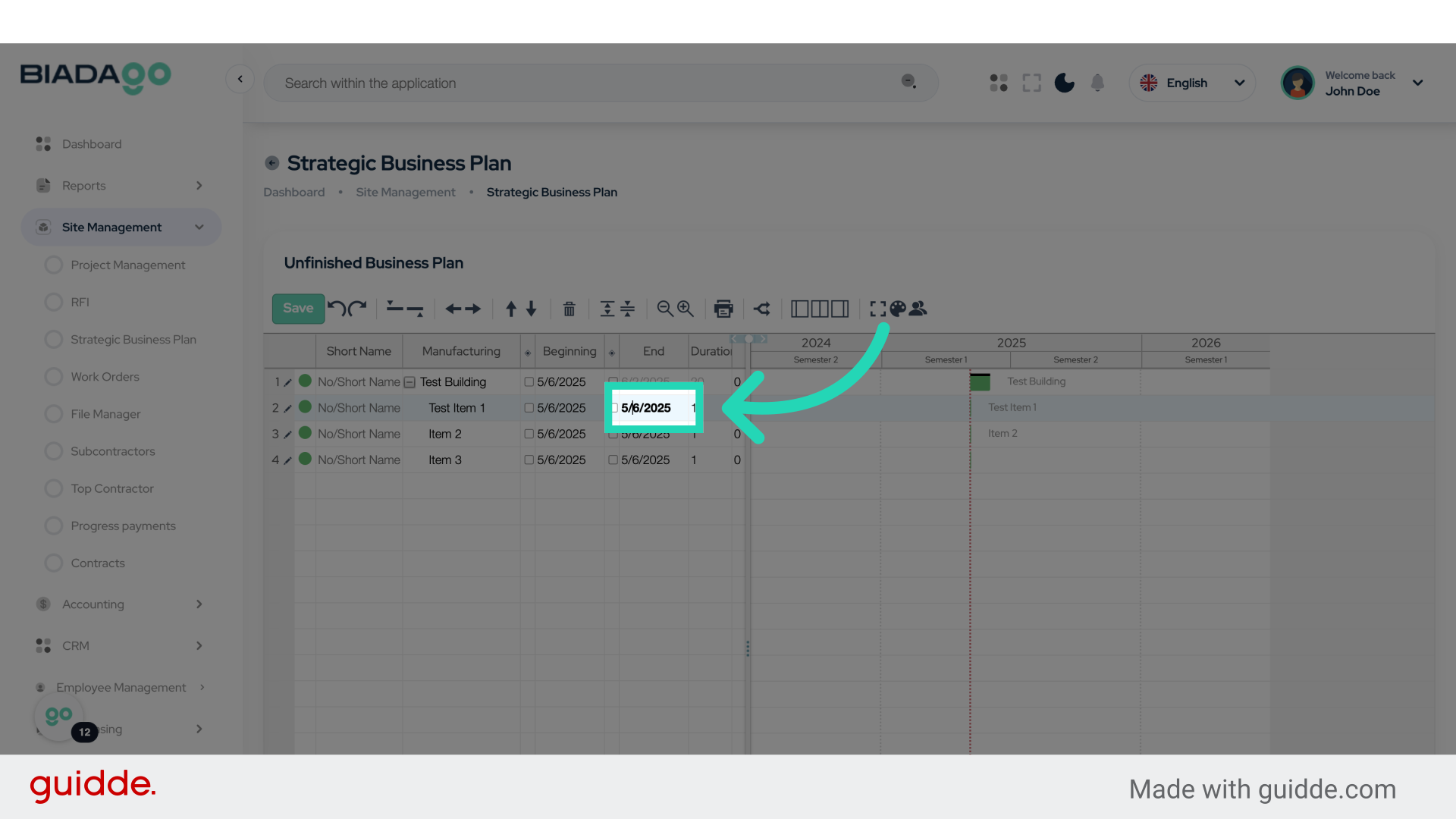
15. Click “14”
Select the number “14”.
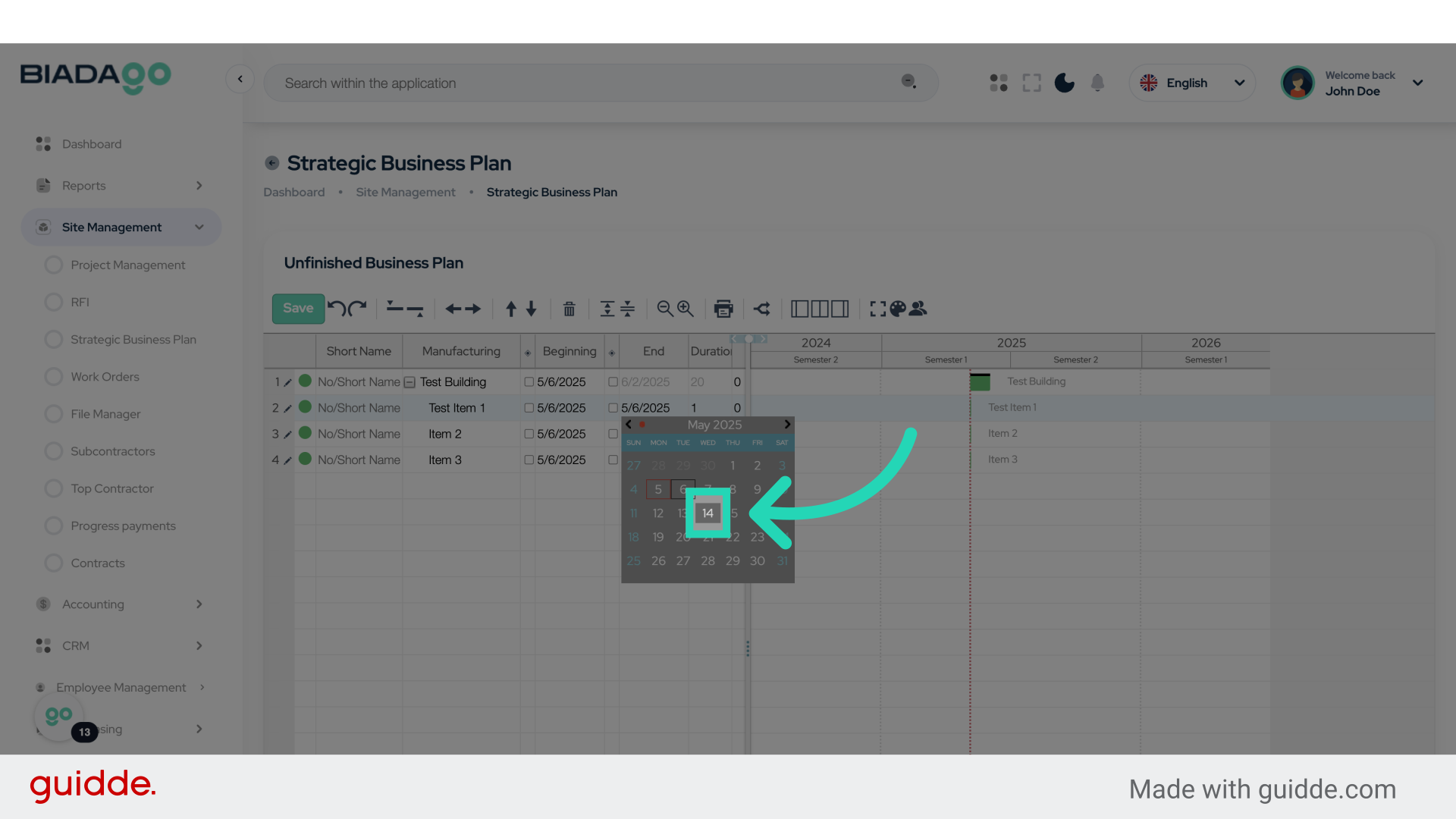
16. Click “5/6/2025”
Pick the date “5/6/2025” again.
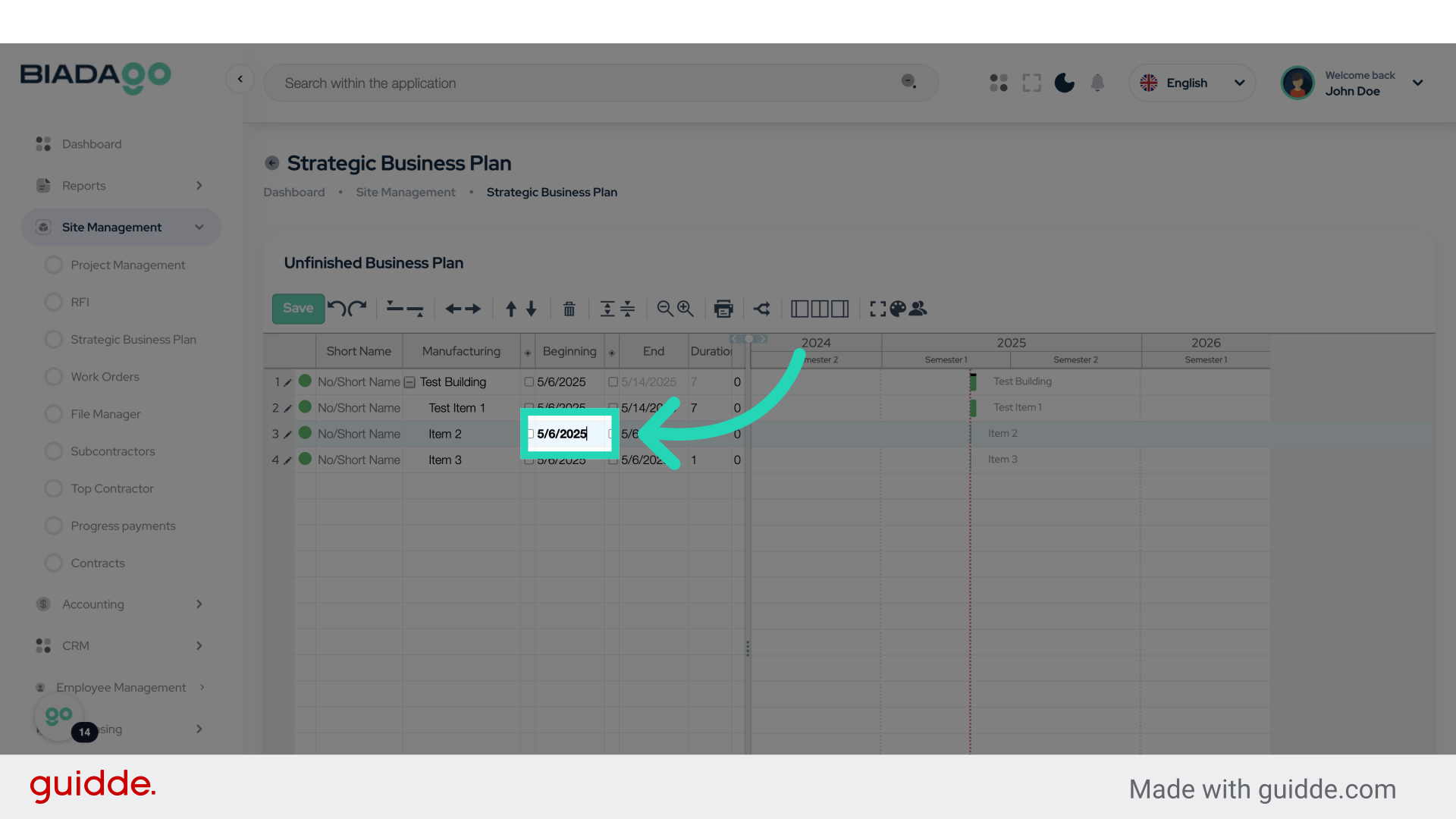
17. Click “15”
Choose the number “15”.
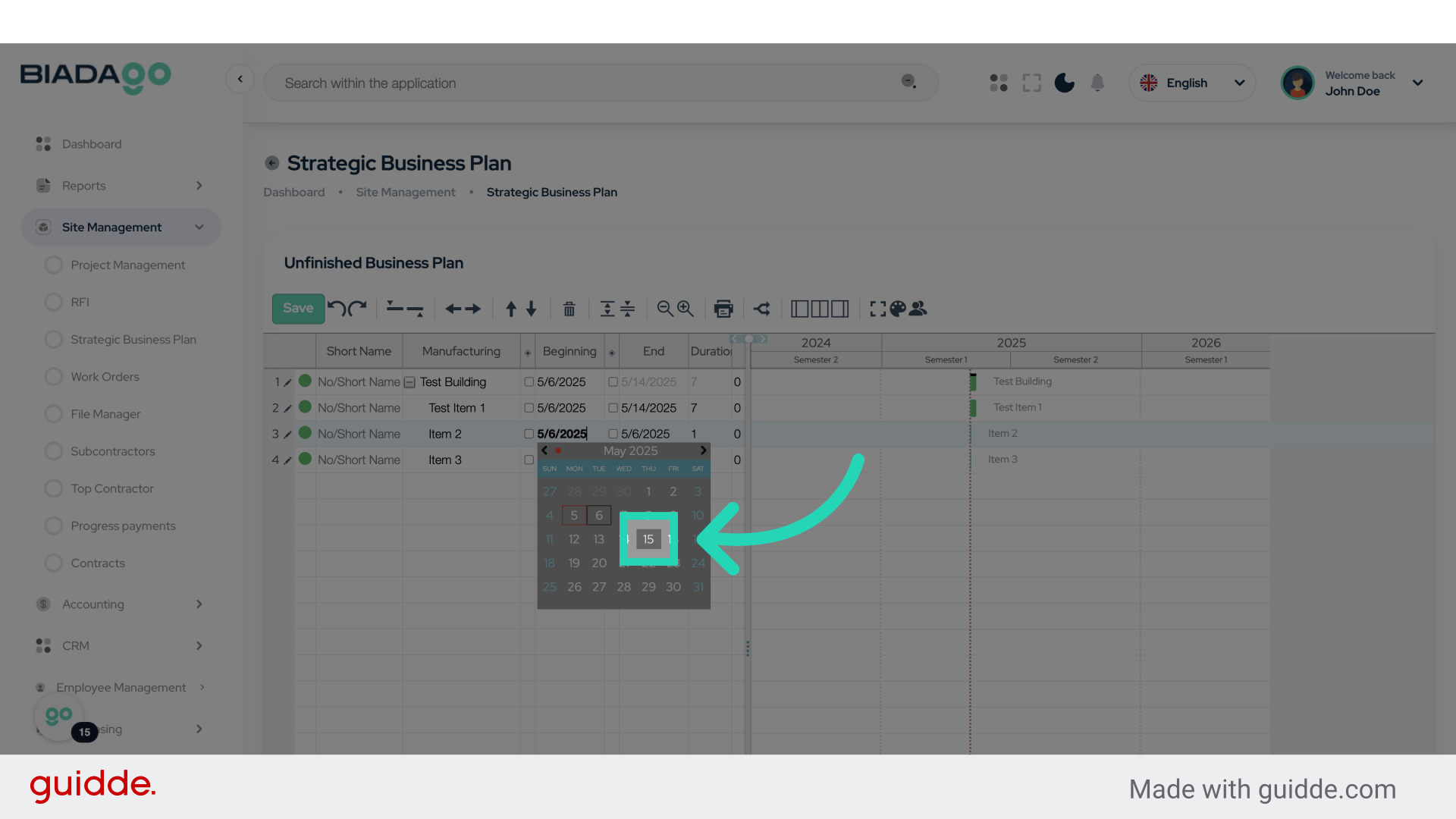
18. Click “5/15/2025”
Select the date “5/15/2025”.
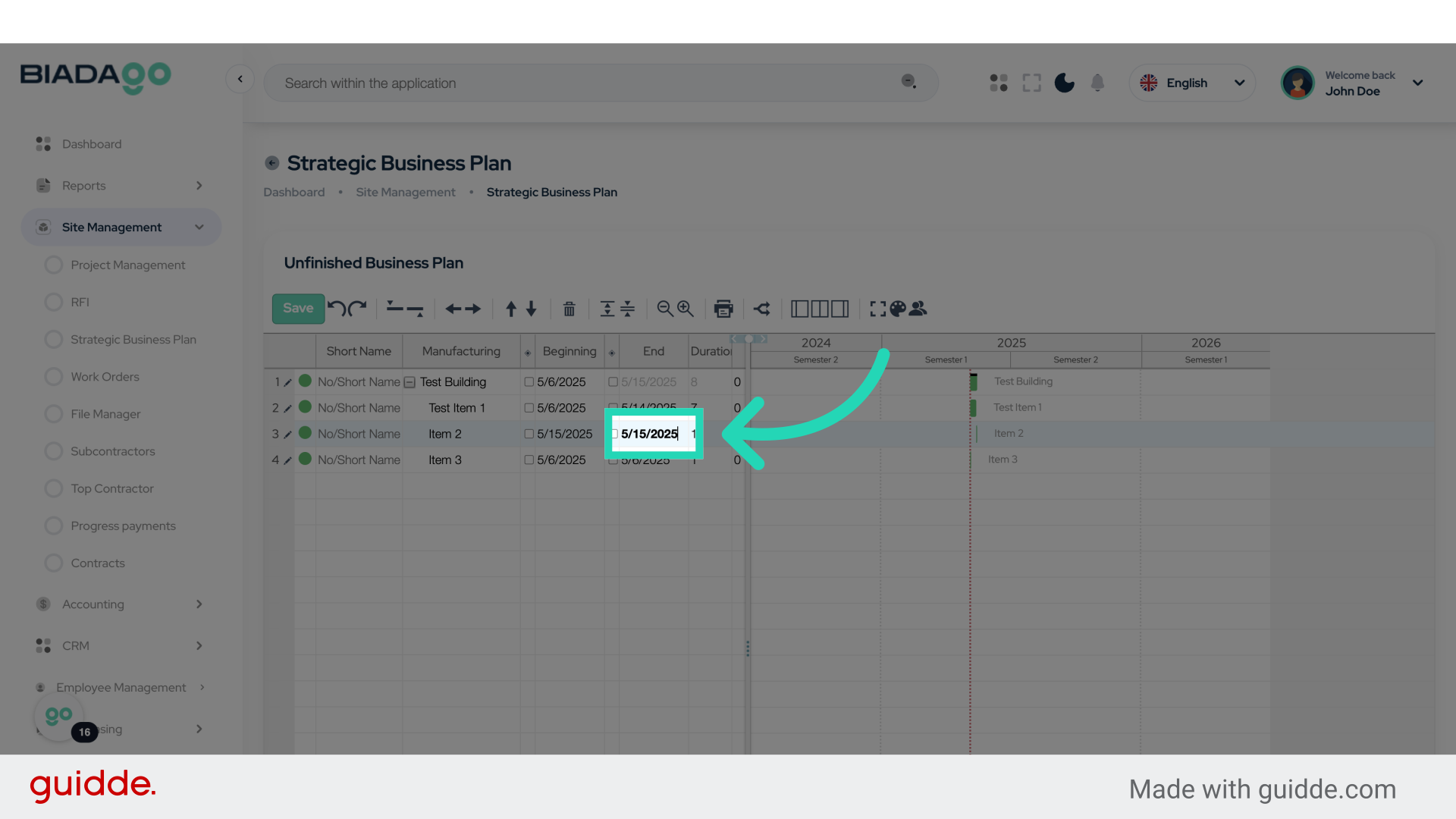
19. Click “31”
Choose the number “31”.
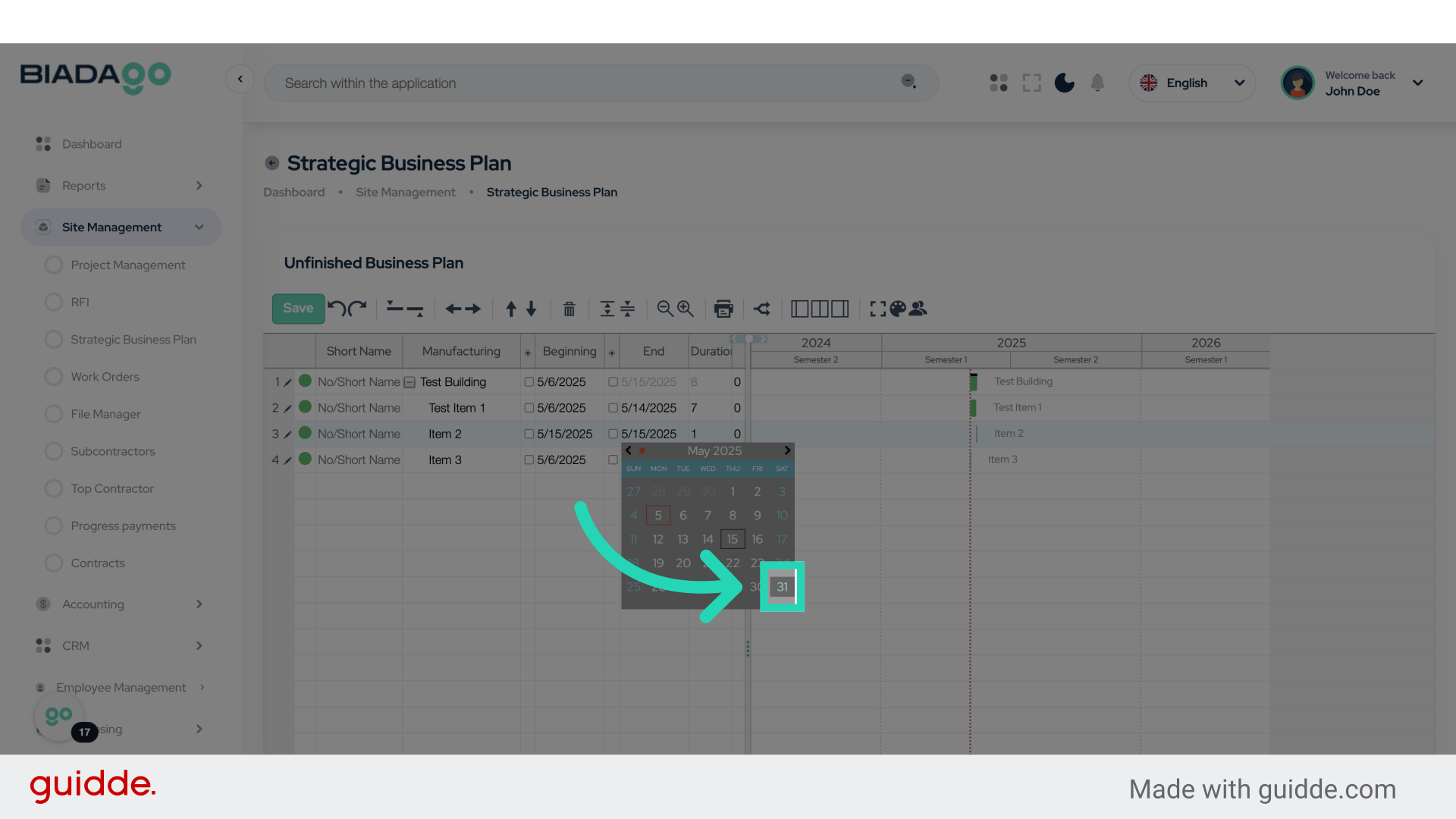
20. Click “5/6/2025”
Select the date “5/6/2025” once more.
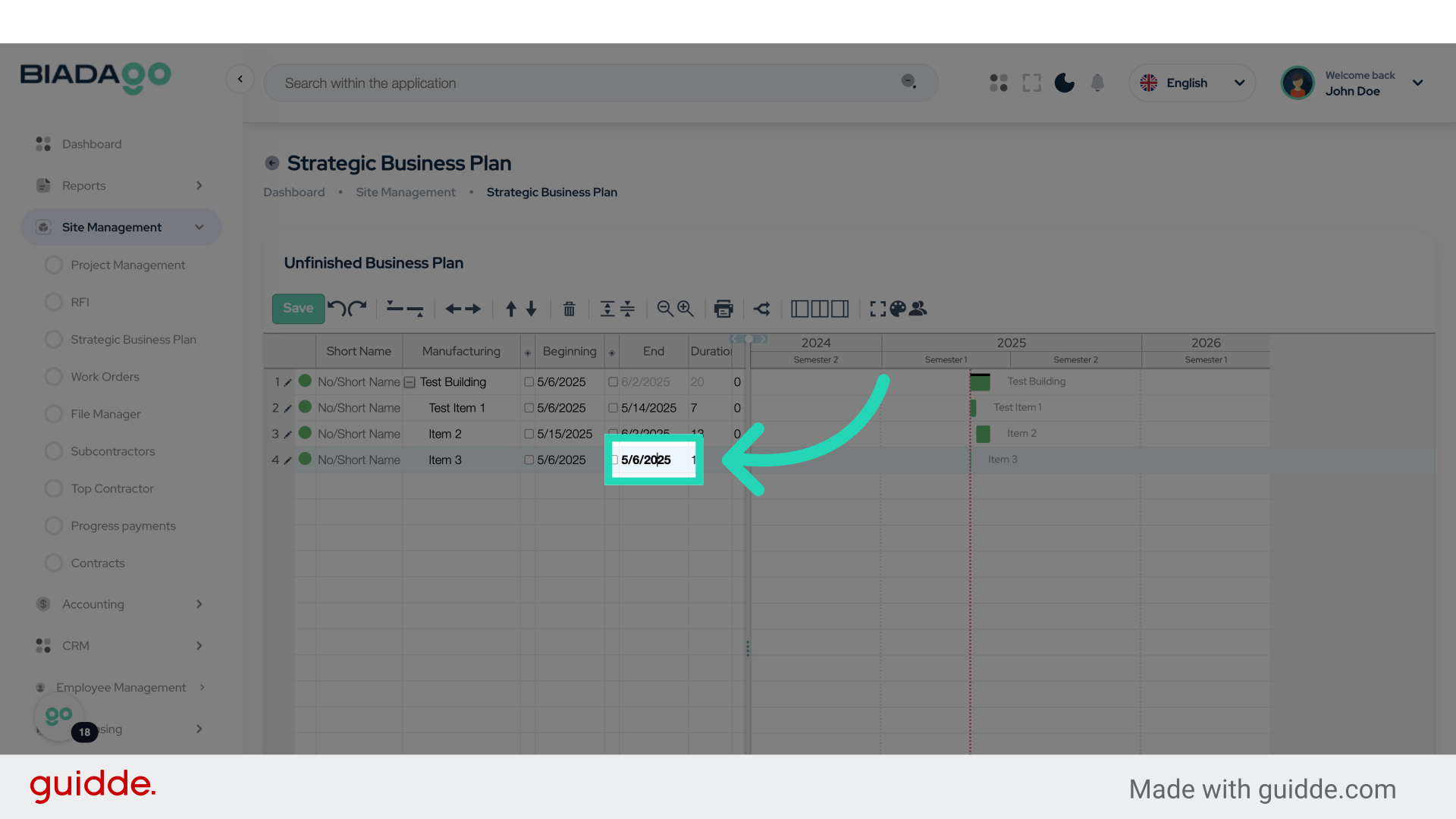
21. Click “May 2025”
Select the month “May 2025”.
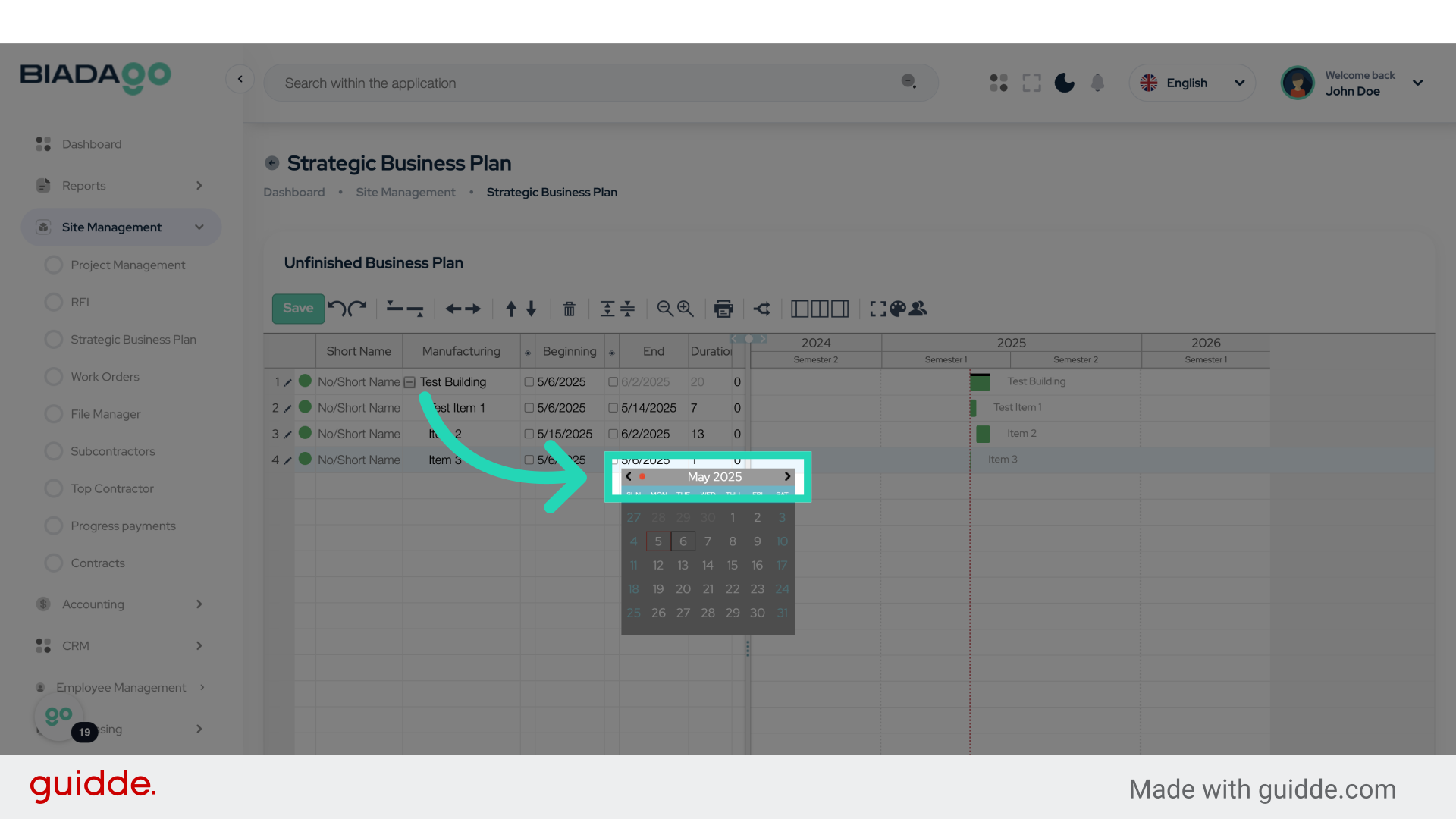
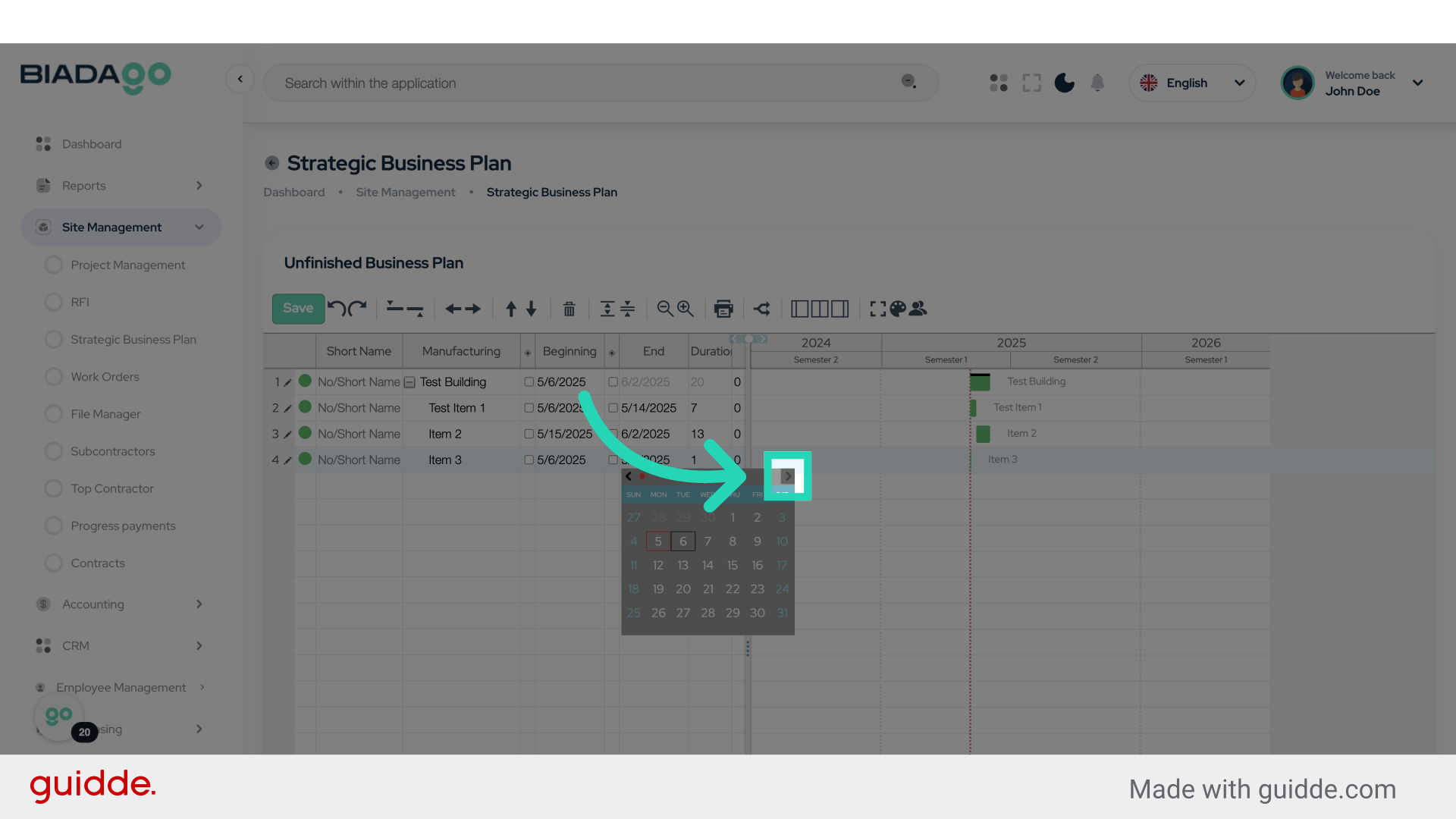
22. Click here
Click on the specified option.
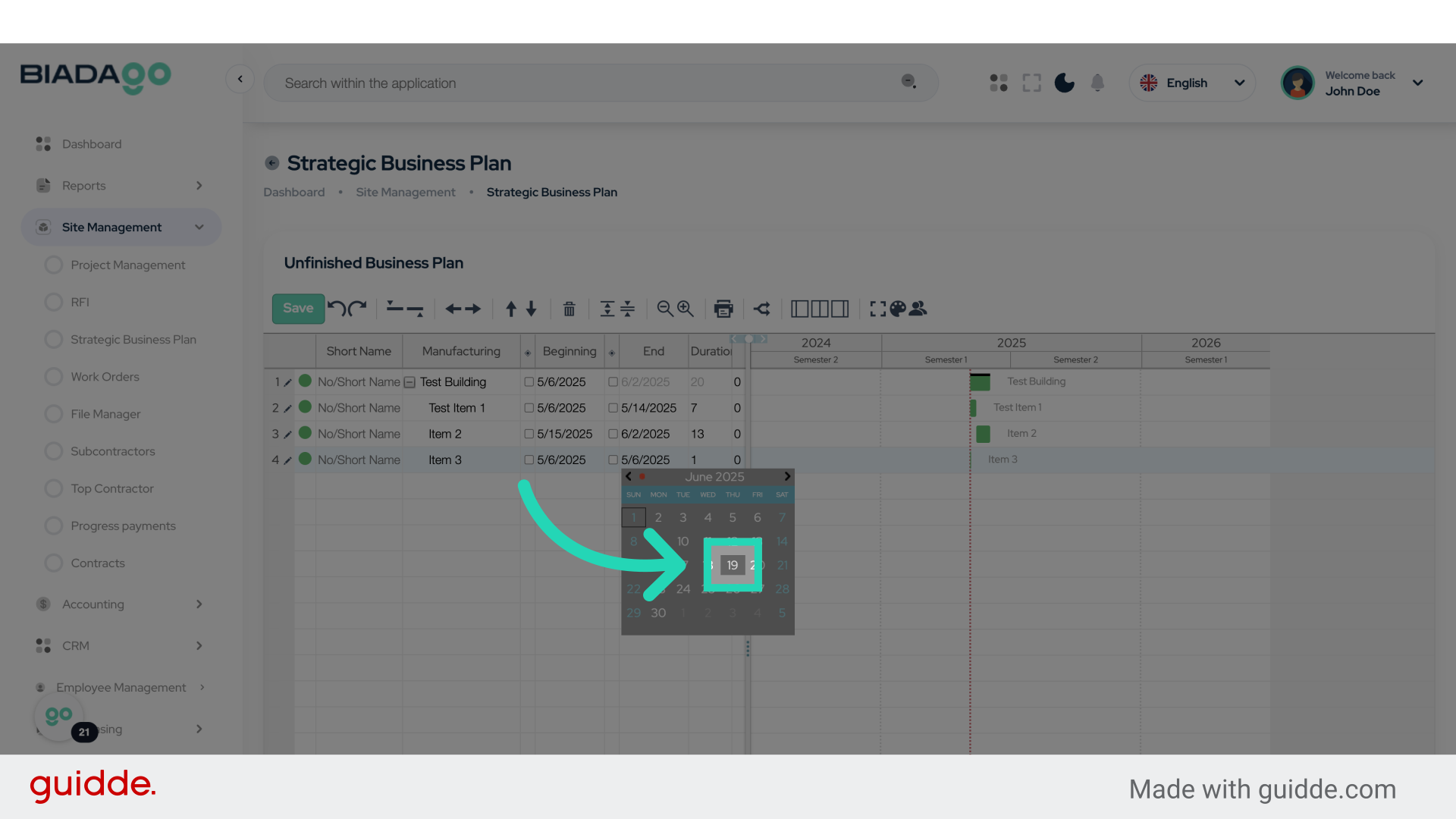
23. Click “19”
Select the number “19”.
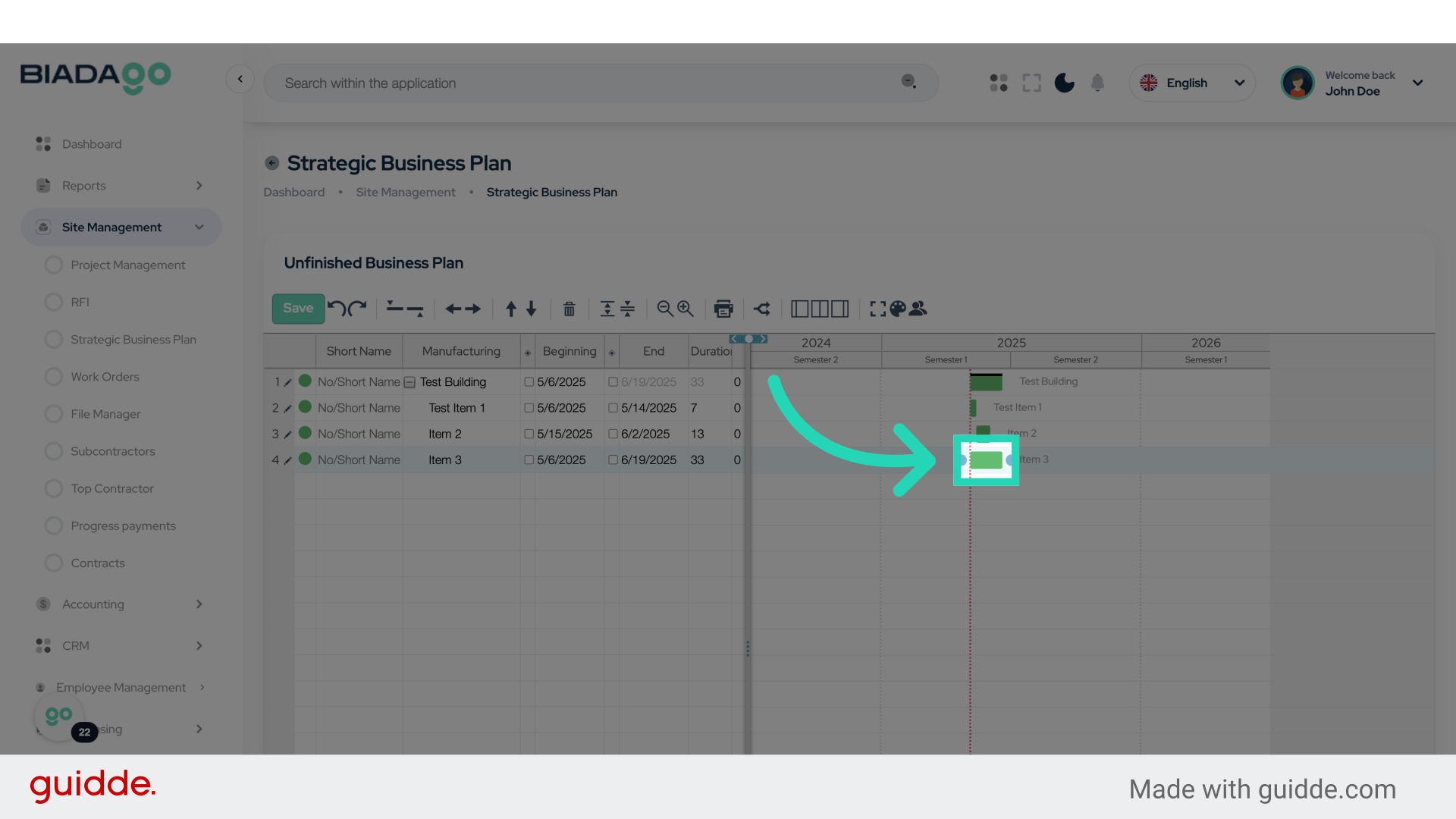
24. Click here
Click on the designated option.
25. Click here
Select the indicated option.
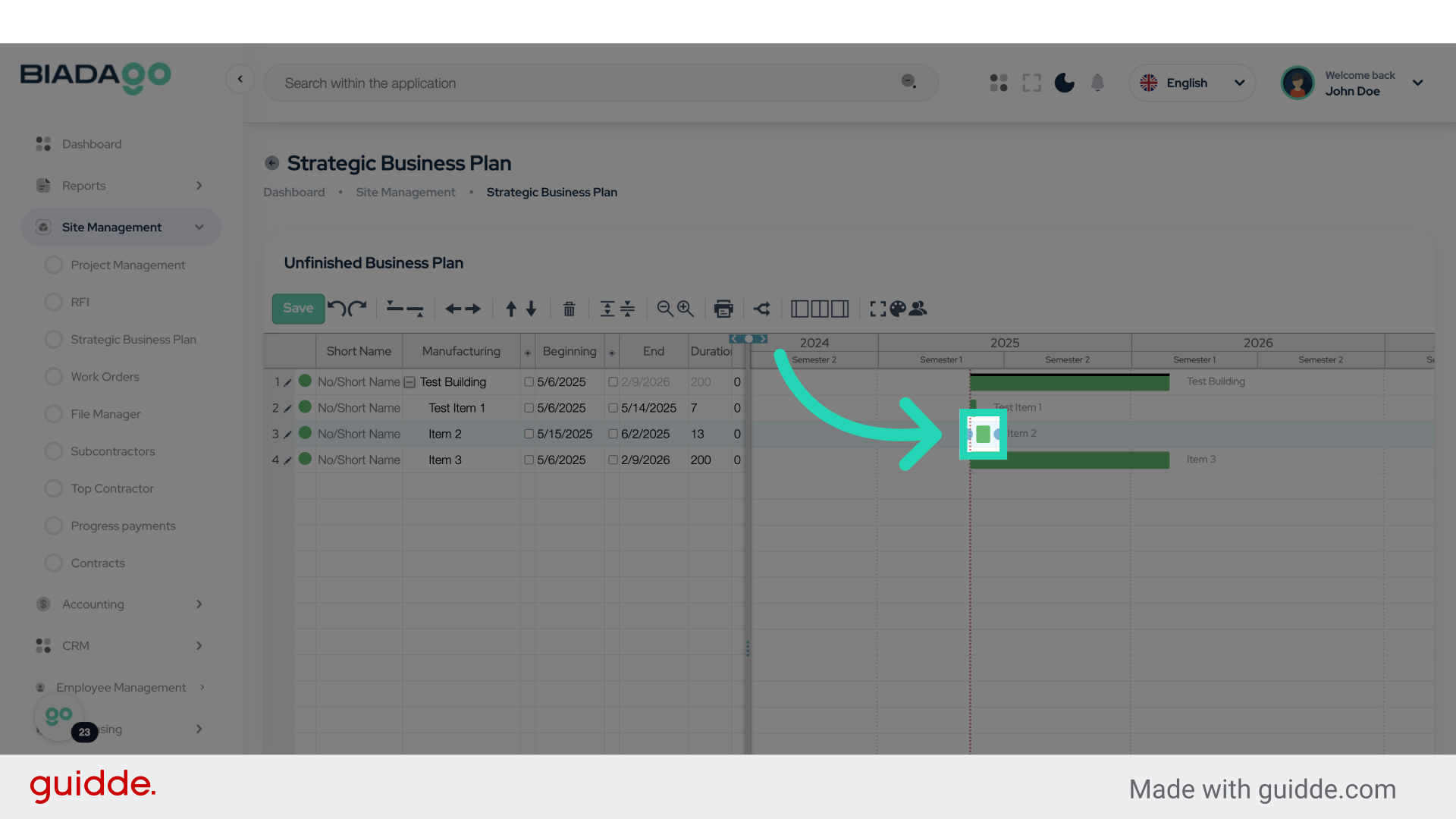
26. Click here
Click on the specified option.
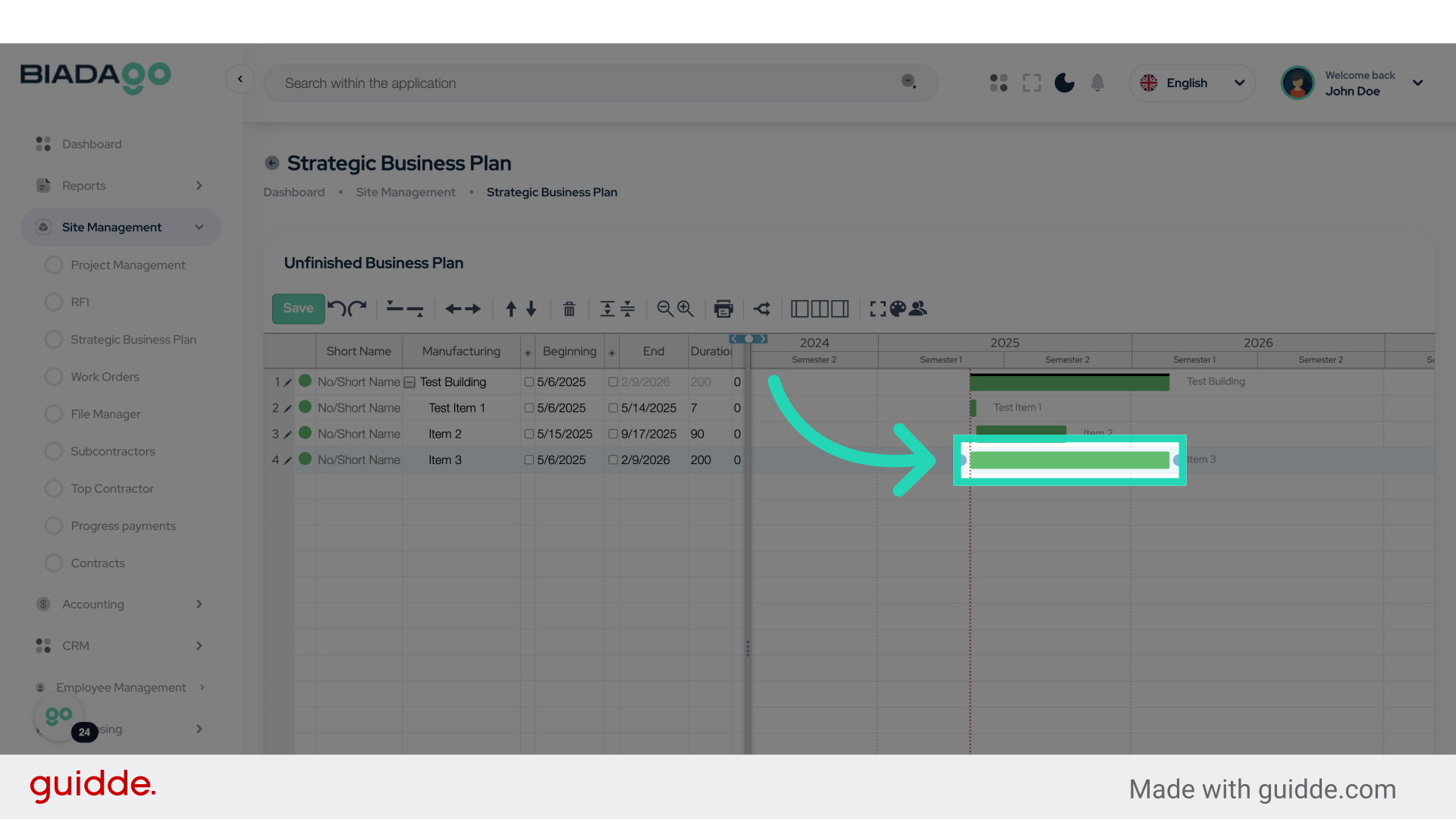
27. Click here
Click on the specified option.
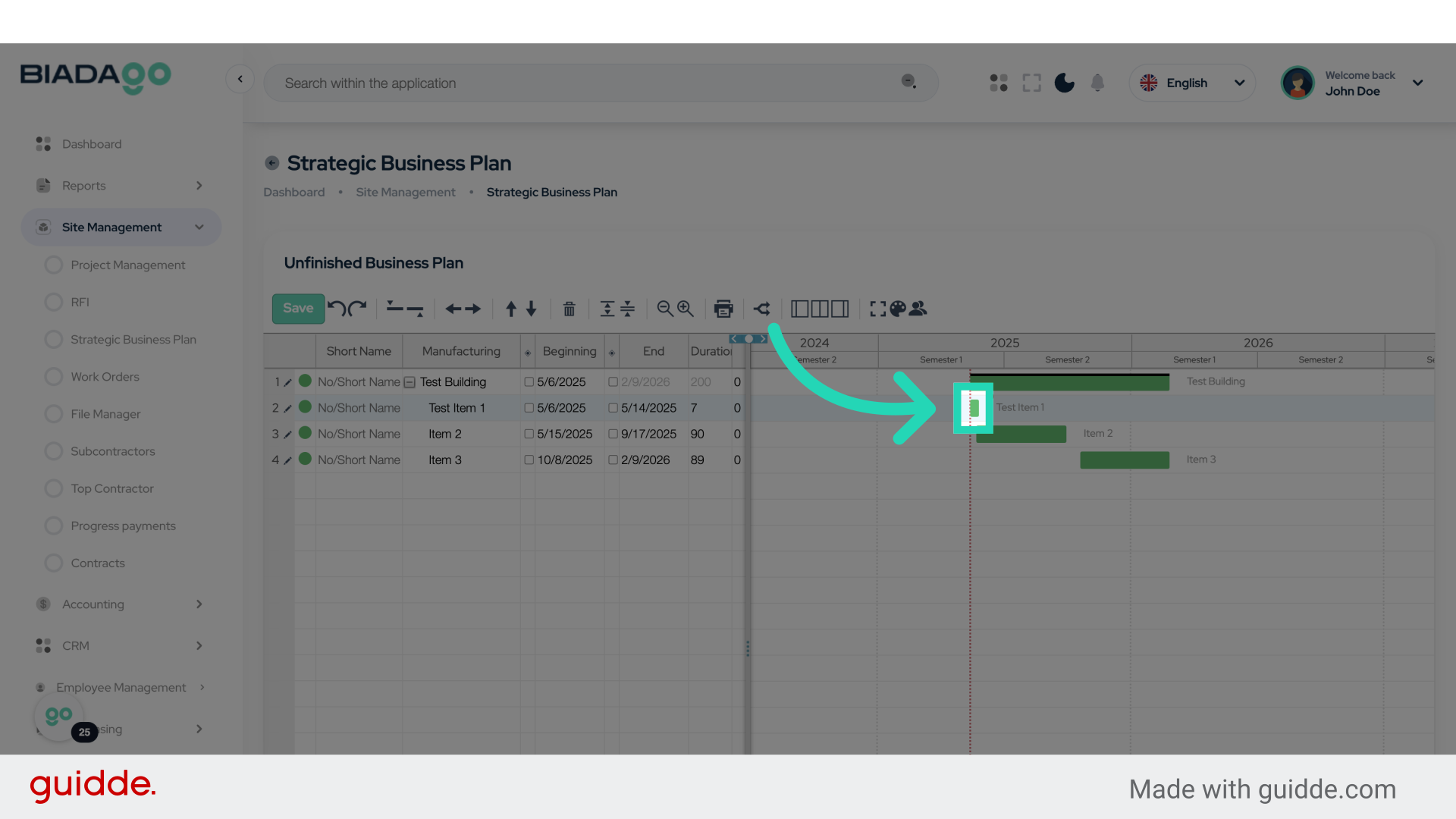
28. Click here
Click on the specified option.
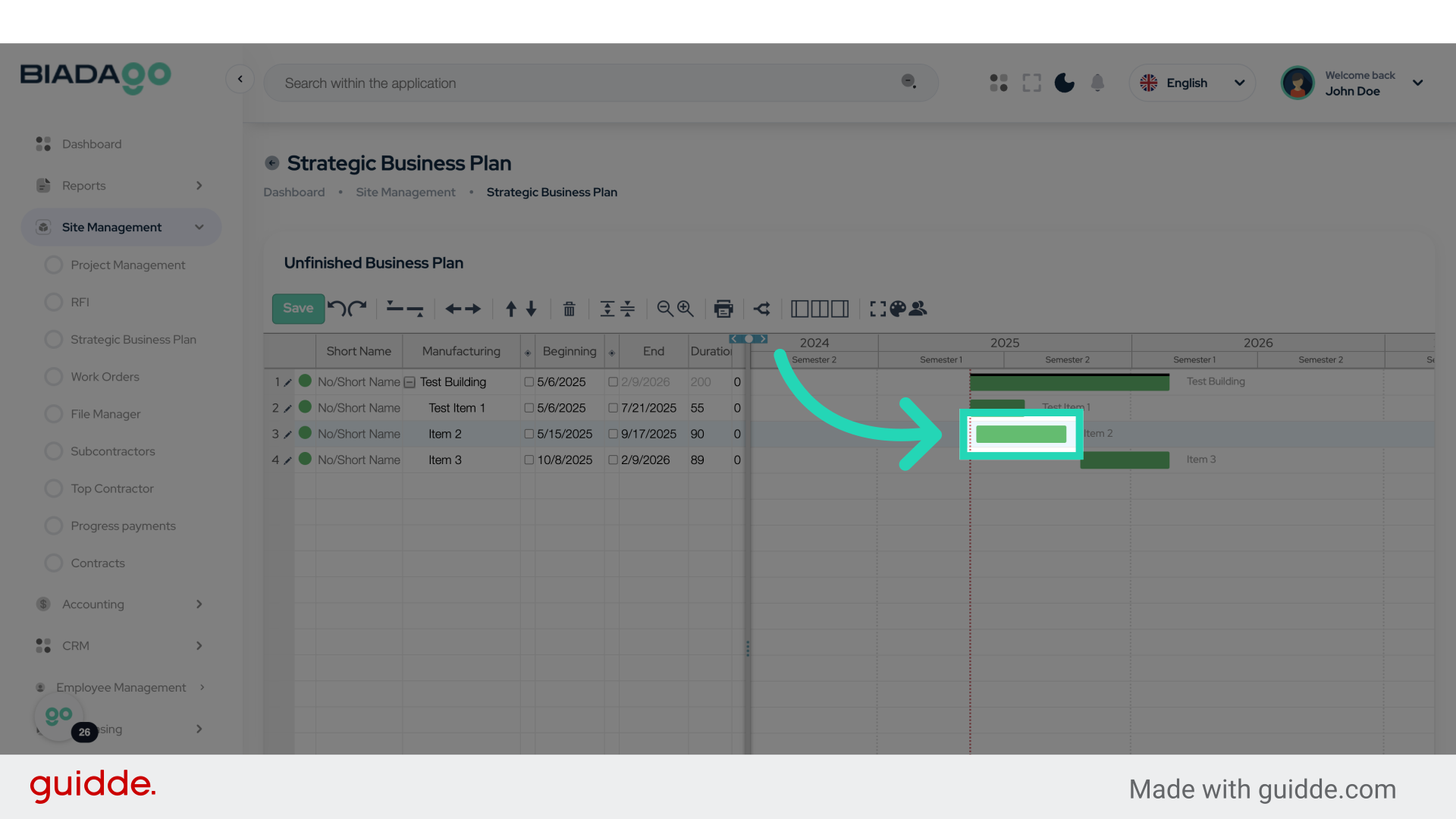
29. Click here
Click on the specified option.
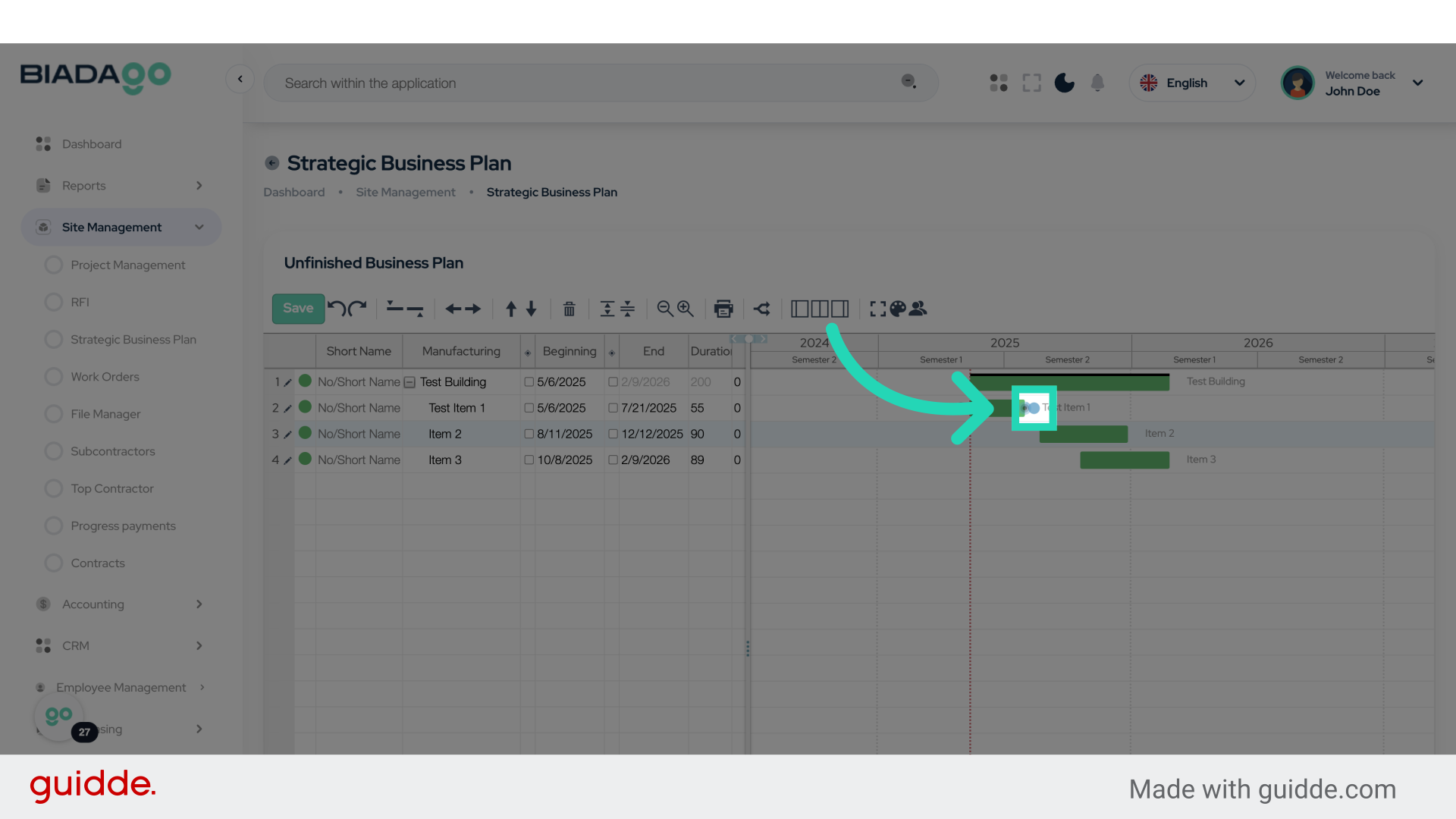
30. Click here
Click on the specified option.
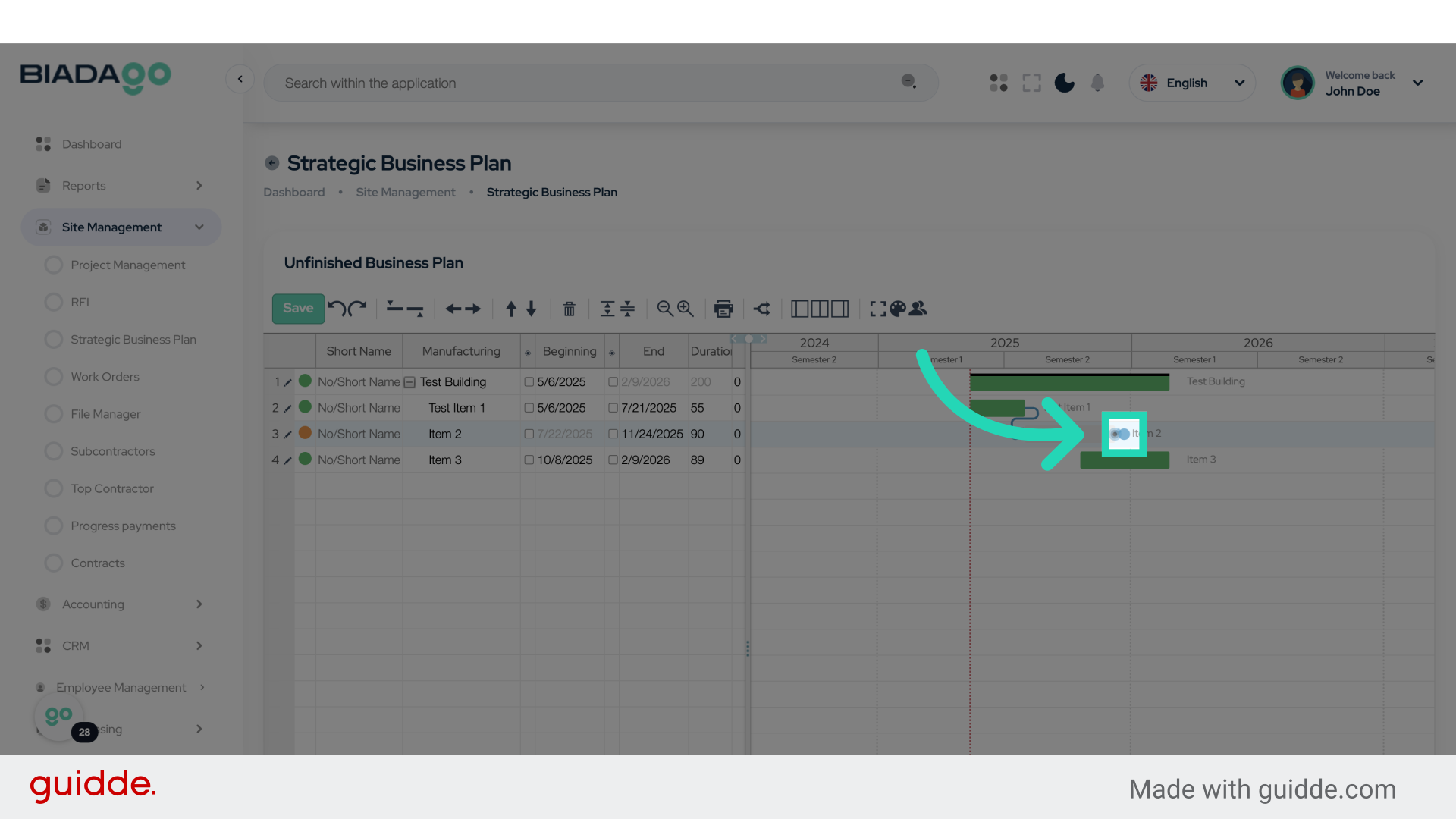
31. Click “Save”
Save the changes made.
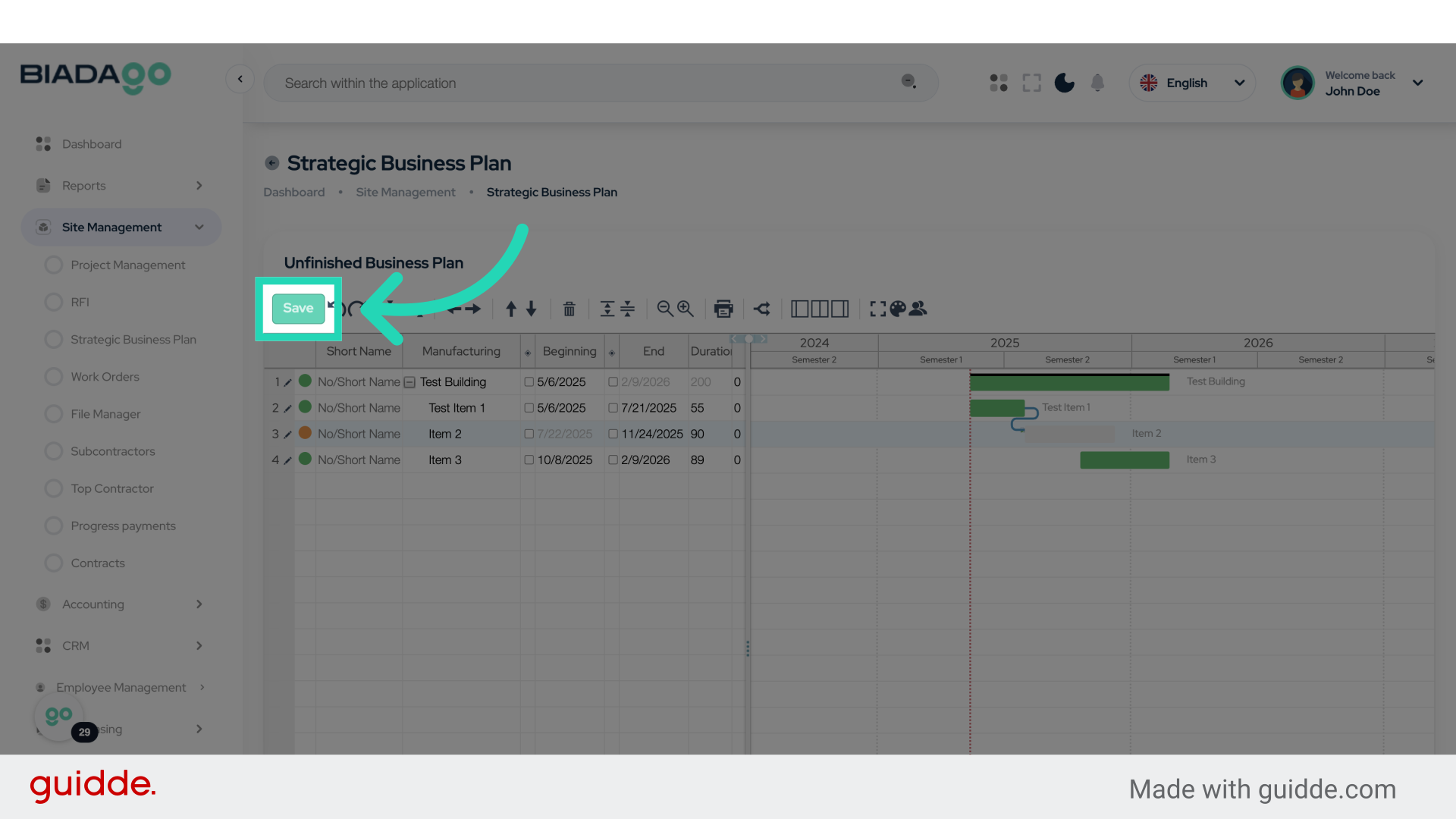
This guide covered navigating BiadaGO’s Strategic Business Planning module, accessing the Gantt editor, inputting project details like dates and numbers, and saving changes effectively. Master project planning on BiadaGO with these concise instructions.